← Back to Blog

Food Truck Event Coordinator Invoicing Template

Get the perfect invoice template for food truck event coordinators. Learn how to bill clients with a mix of hourly and fixed fees, and attach photos and receipts with ease.

By Muhammad Salman

Quick Answer

As a food truck event coordinator, you need an invoice template that can handle a mix of hourly and fixed fees. You should include line items for menu item sales, catering services, equipment rental fees, and other relevant costs.

This guide is for food truck event coordinators who need to create invoices for their clients. Whether you're working on a small festival or a large corporate event, you'll learn how to create an invoice that accurately reflects your services and costs.

Understanding Hourly and Fixed Fees

As a food truck event coordinator, you likely charge a combination of hourly and fixed fees. For example, you might charge an hourly fee for your time spent planning and coordinating the event, and a fixed fee for the cost of food and supplies.

You'll also need to consider other costs, such as equipment rental fees, fuel costs, and permits. These costs can be included as separate line items on your invoice.

Creating a Food Truck Invoice Template

To create a food truck invoice template, you'll need to include the following fields:

  • Client name and contact information
  • Event name and date
  • Line items for services and costs
  • Subtotal and total costs
  • Payment terms and methods

You can use a tool like CatInvoice to create a custom invoice template that meets your needs. Simply enter your information and line items, and the tool will generate a professional-looking invoice for you.

Adding Line Items and Descriptions

Here are some sample line items you might include on a food truck invoice:

Line Item Quantity Rate Total
Menu item sales (burgers) 100 $5.00 $500.00
Catering services (full-day event) 1 $1,000.00 $1,000.00
Equipment rental fees (generator, tent) 1 $200.00 $200.00
Fuel costs (gasoline, diesel) 50 $2.00 $100.00
Permits and licenses (health department, business license) 1 $100.00 $100.00

Be sure to include detailed descriptions of each line item, so your client knows exactly what they're being charged for.

Attaching Photos and Receipts

In addition to including line items and descriptions, you may also want to attach photos and receipts to your invoice. This can help provide proof of the services and costs you're charging for.

For example, you might attach a photo of the menu items you sold, or a receipt for the equipment rental fees. You can also include warranties or guarantees for any equipment or supplies you provided.

CatInvoice makes it easy to attach files and photos to your invoice. Simply upload the files you want to include, and the tool will add them to your invoice.

Resolving Client Disputes over Line Items

Despite your best efforts, you may still encounter client disputes over line items on your invoice. If this happens, be sure to stay calm and professional, and work with the client to resolve the issue.

You can also use CatInvoice to create a revised invoice that reflects any changes or corrections you need to make. Simply update the line items and quantities as needed, and the tool will generate a new invoice for you.

For more information on resolving client disputes, check out our blog post on telecom field service technician invoicing.

Step-by-Step Invoicing Process

  1. Complete the job and gather all necessary information and receipts.
  2. Open CatInvoice and create a new invoice.
  3. Enter your client's information and the event details.
  4. Add line items for services and costs, including descriptions and rates.
  5. Attach photos and receipts as needed.
  6. Review and finalize the invoice.
  7. Export the invoice as a PDF and send it to your client.

By following these steps, you can create a professional-looking invoice that accurately reflects your services and costs.

Payment Terms and Deposits

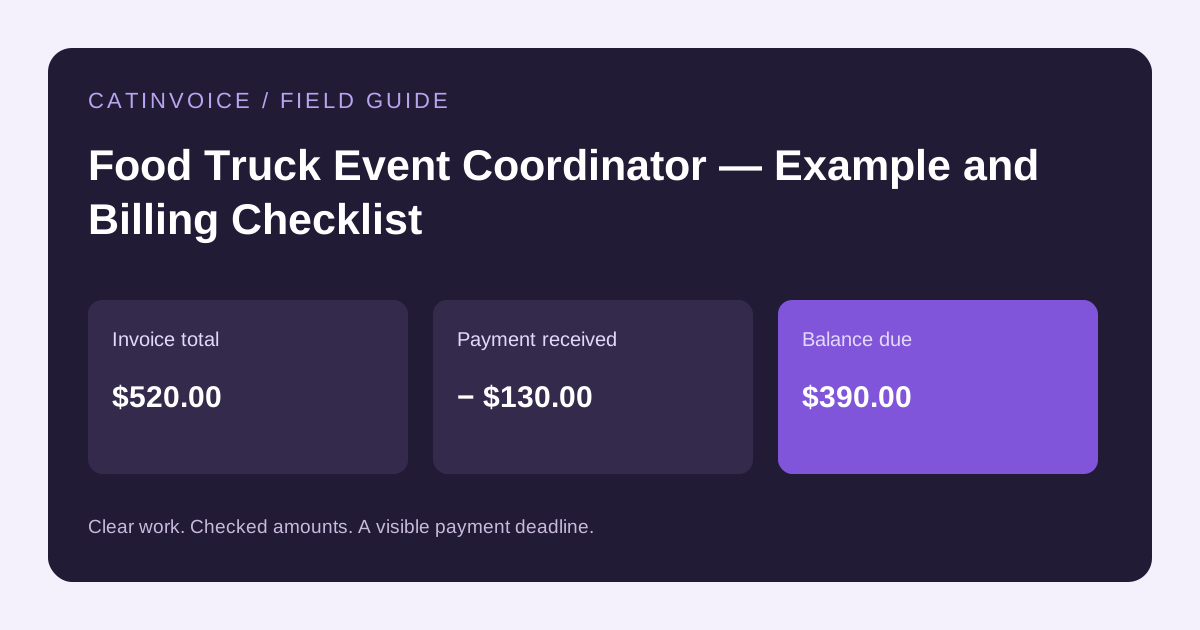
As a food truck event coordinator, you'll need to establish clear payment terms and deposits with your clients. This can include a deposit to secure the event, and a balance due on the day of the event.

You can also offer payment plans or financing options to help clients manage their costs. Be sure to clearly outline these terms on your invoice, so your client knows what to expect.

Frequently Asked Questions

What should I include on a food truck invoice?

You should include line items for services and costs, such as menu item sales, catering services, equipment rental fees, and fuel costs. You should also include detailed descriptions of each line item, and attach photos and receipts as needed.

How do I create a custom invoice template?

You can use a tool like CatInvoice to create a custom invoice template. Simply enter your information and line items, and the tool will generate a professional-looking invoice for you.

Can I attach files and photos to my invoice?

Yes, CatInvoice makes it easy to attach files and photos to your invoice. Simply upload the files you want to include, and the tool will add them to your invoice.

What if my client disputes a line item on my invoice?

Stay calm and professional, and work with the client to resolve the issue. You can also use CatInvoice to create a revised invoice that reflects any changes or corrections you need to make.

Where can I find more information on food truck invoicing?

Check out our blog post on historic building restorer invoicing for more information on invoicing for specialized services.

How do I get started with CatInvoice?

Getting started with CatInvoice is easy. Simply visit our website and click on the editor to create a new invoice. From there, you can enter your information and line items, and generate a professional-looking invoice in minutes.

Getting Started with CatInvoice

Ready to create a professional-looking invoice for your food truck event coordination services? Try CatInvoice today, and see how easy it is to create and send invoices to your clients. Click here to get started.

CatInvoice is a free tool that allows you to create custom invoices in minutes. With its easy-to-use interface and range of features, you can create invoices that accurately reflect your services and costs. Visit our website to learn more and get started today.

Create a professional invoice with CatInvoice — free, no signup required.