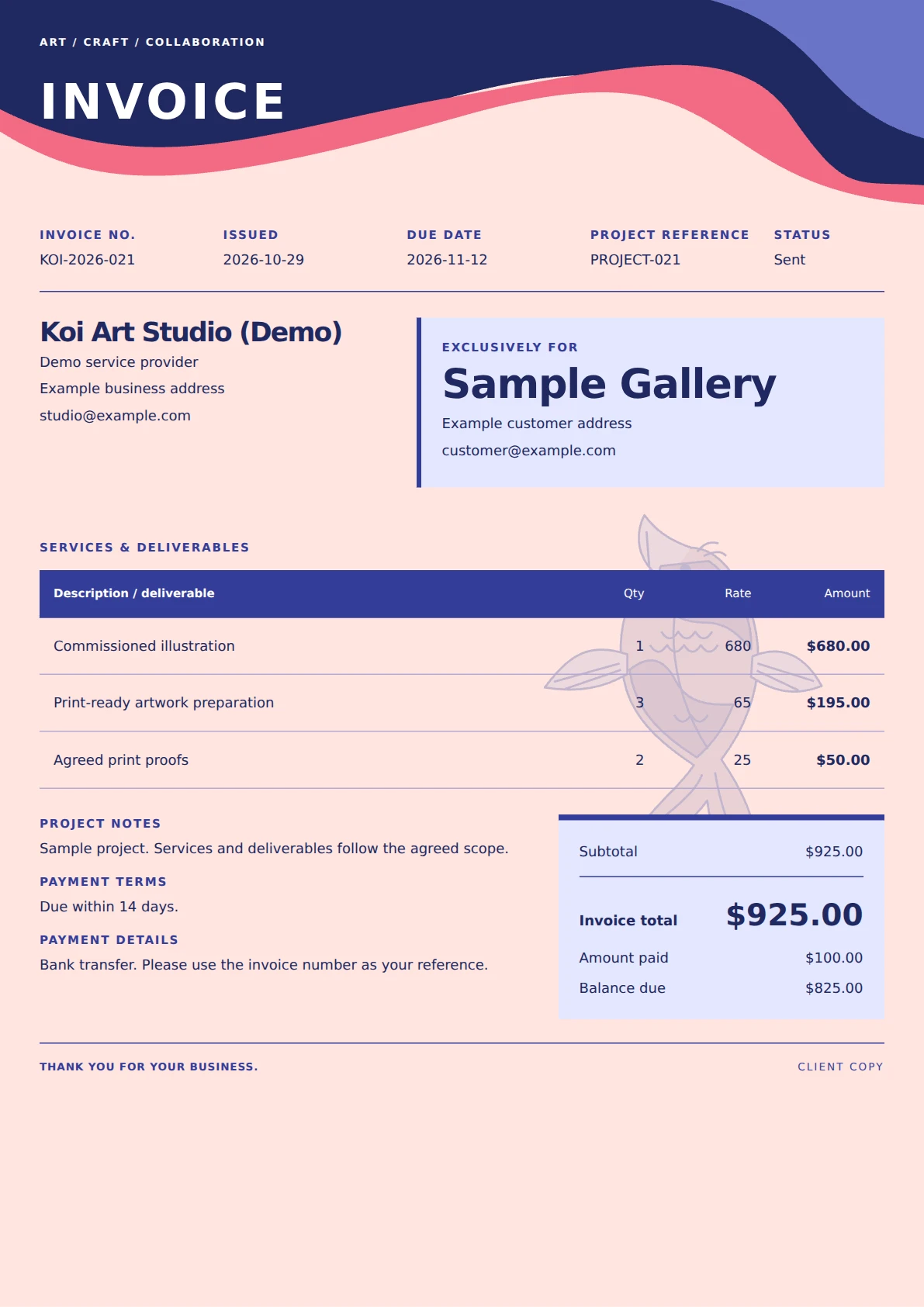
Koi Atelier invoice template
An expressive peach invoice with indigo and coral waves, an original illustrated koi watermark and a split company-and-customer composition.
View template and use in editor ↗The CatInvoice template library
Browse free invoice templates for freelancers and small businesses. Compare real previews, edit your details, and download a PDF. No signup or watermark.
Browse 32 templates ↓An expressive peach invoice with indigo and coral waves, an original illustrated koi watermark and a split company-and-customer composition.
View template and use in editor ↗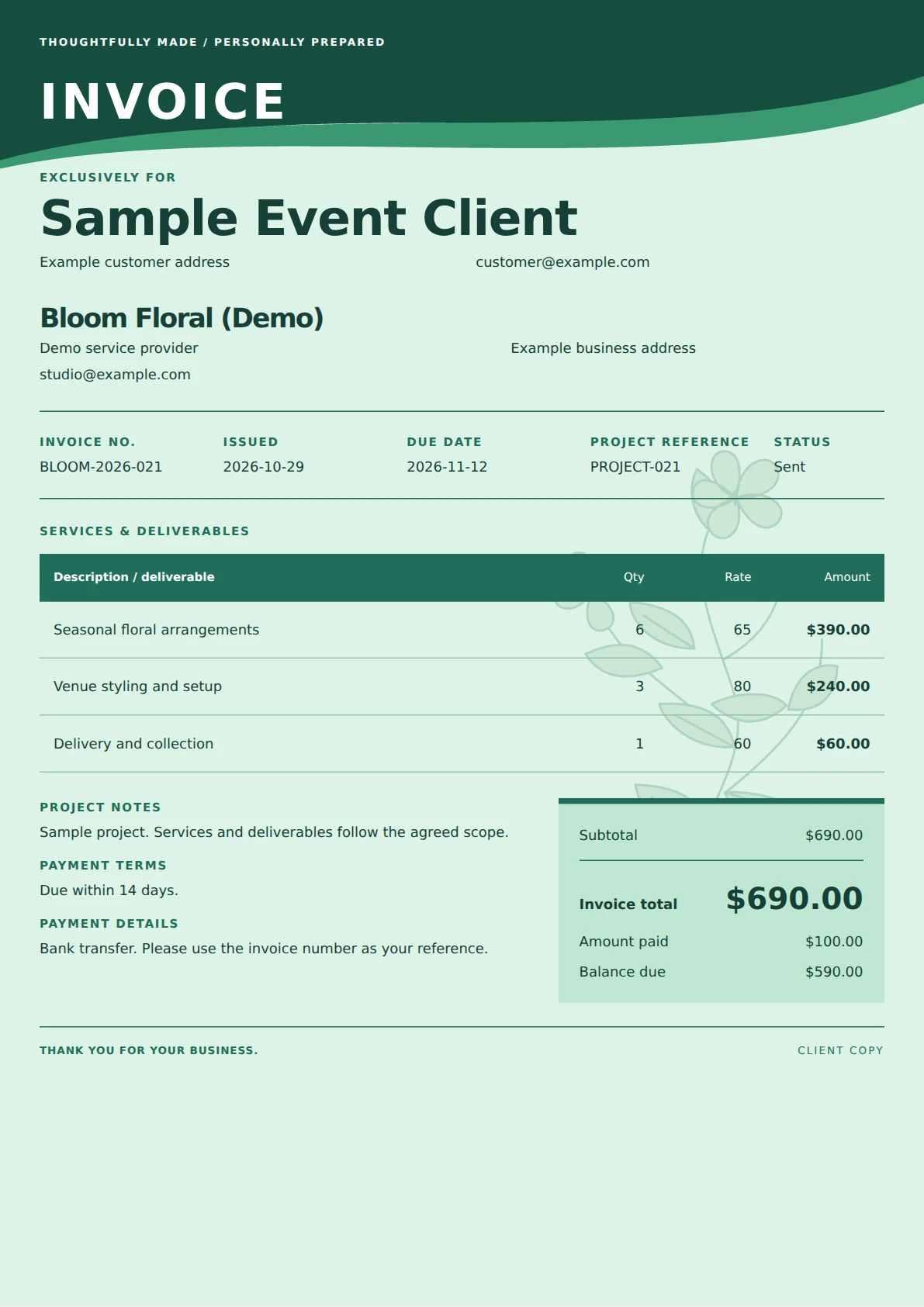
A mint-green invoice with a hand-drawn botanical watermark, a flowing forest-green header and prominent customer details.
View template and use in editor ↗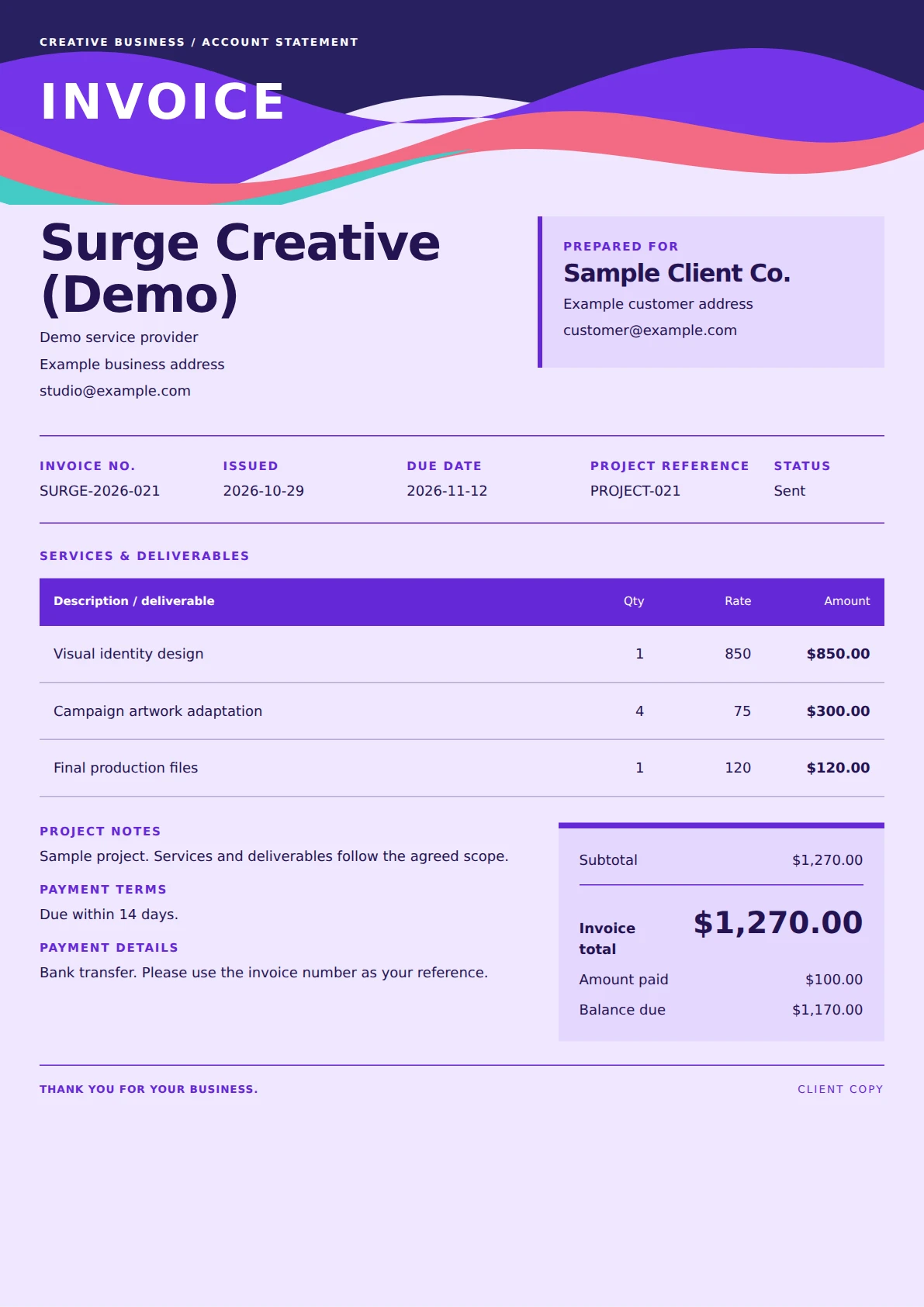
A vivid violet invoice with layered coral, purple and aqua waves, oversized company branding and a compact customer panel.
View template and use in editor ↗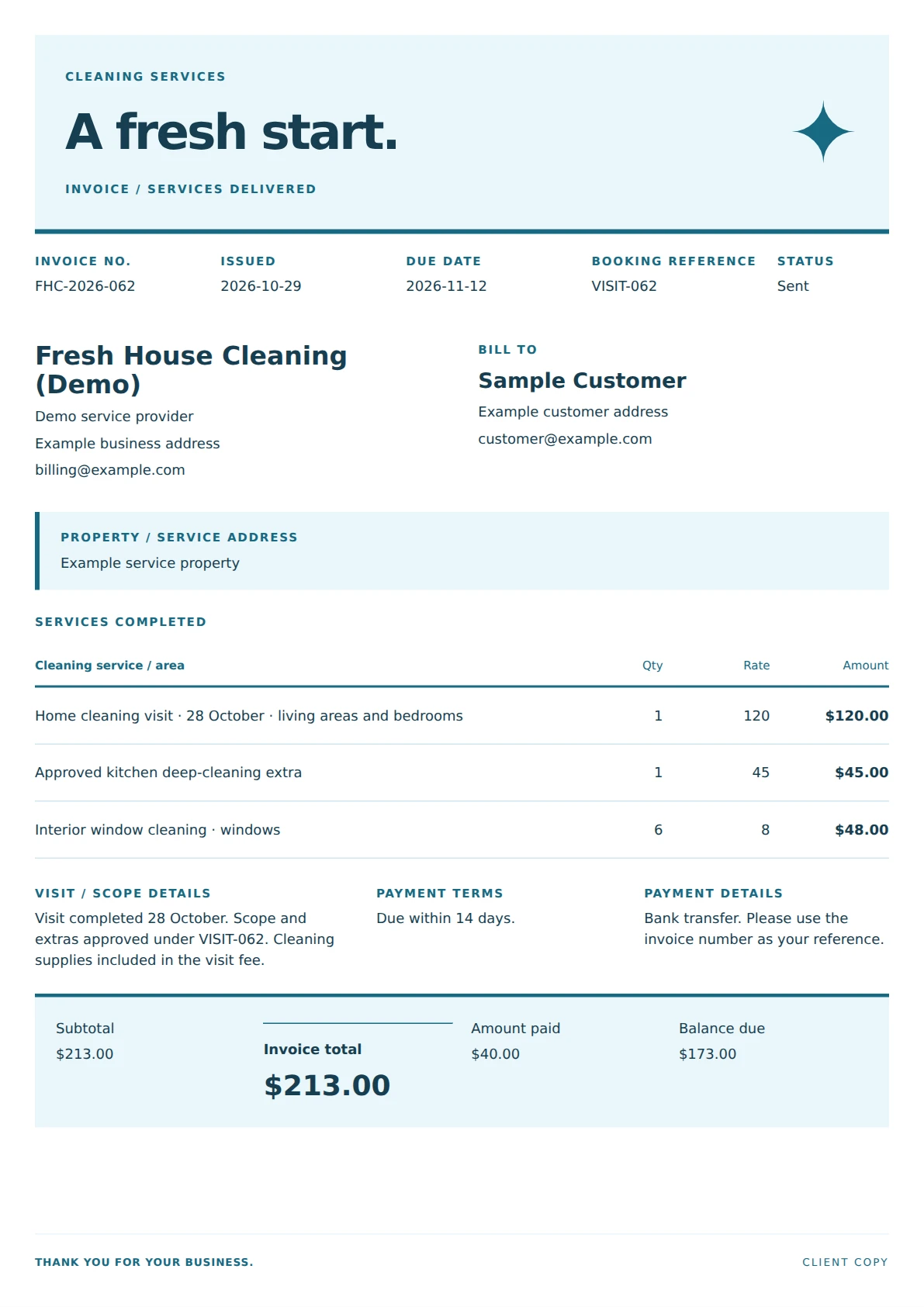
A spacious cleaning invoice with an airy blue masthead, a prominent service-address strip and room-by-room service entries above a full-width payment summary.
View template and use in editor ↗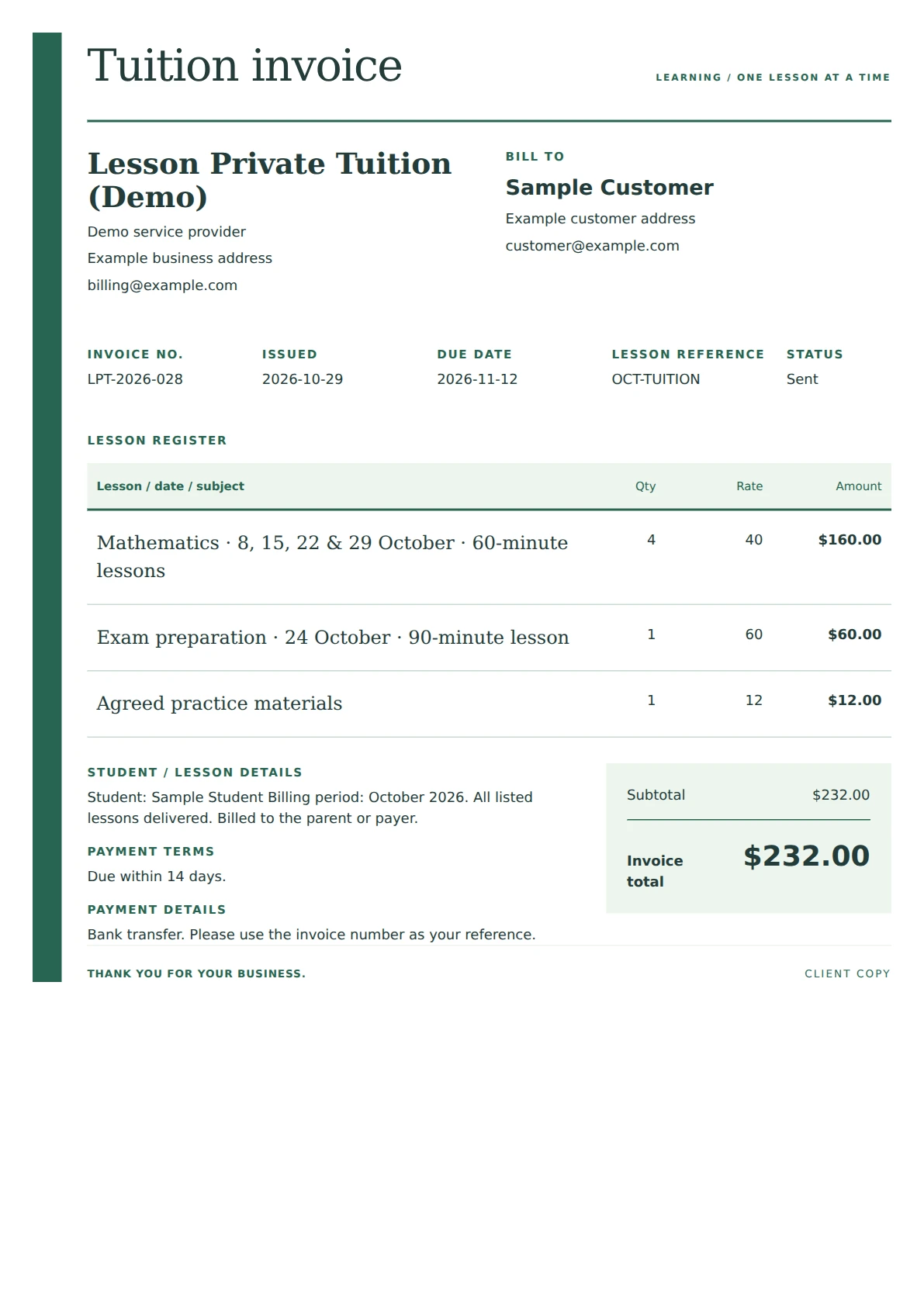
A quiet academic invoice with a narrow green title rail, a lesson-register table and space for student, subject and billing-period notes.
View template and use in editor ↗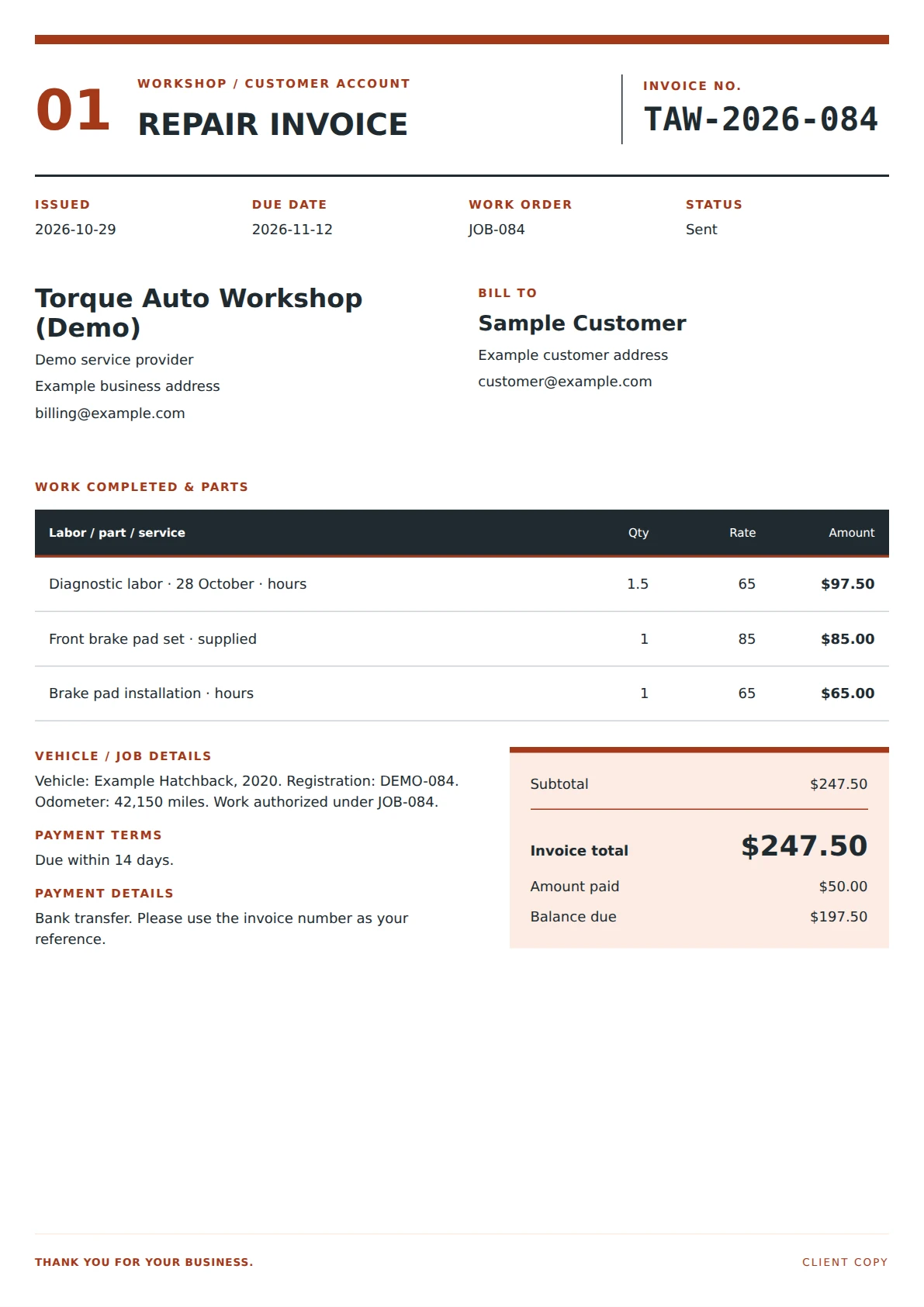
A workshop invoice with a numbered job-ticket header, clear labor and parts entries, vehicle details in the job notes and a bold settlement panel.
View template and use in editor ↗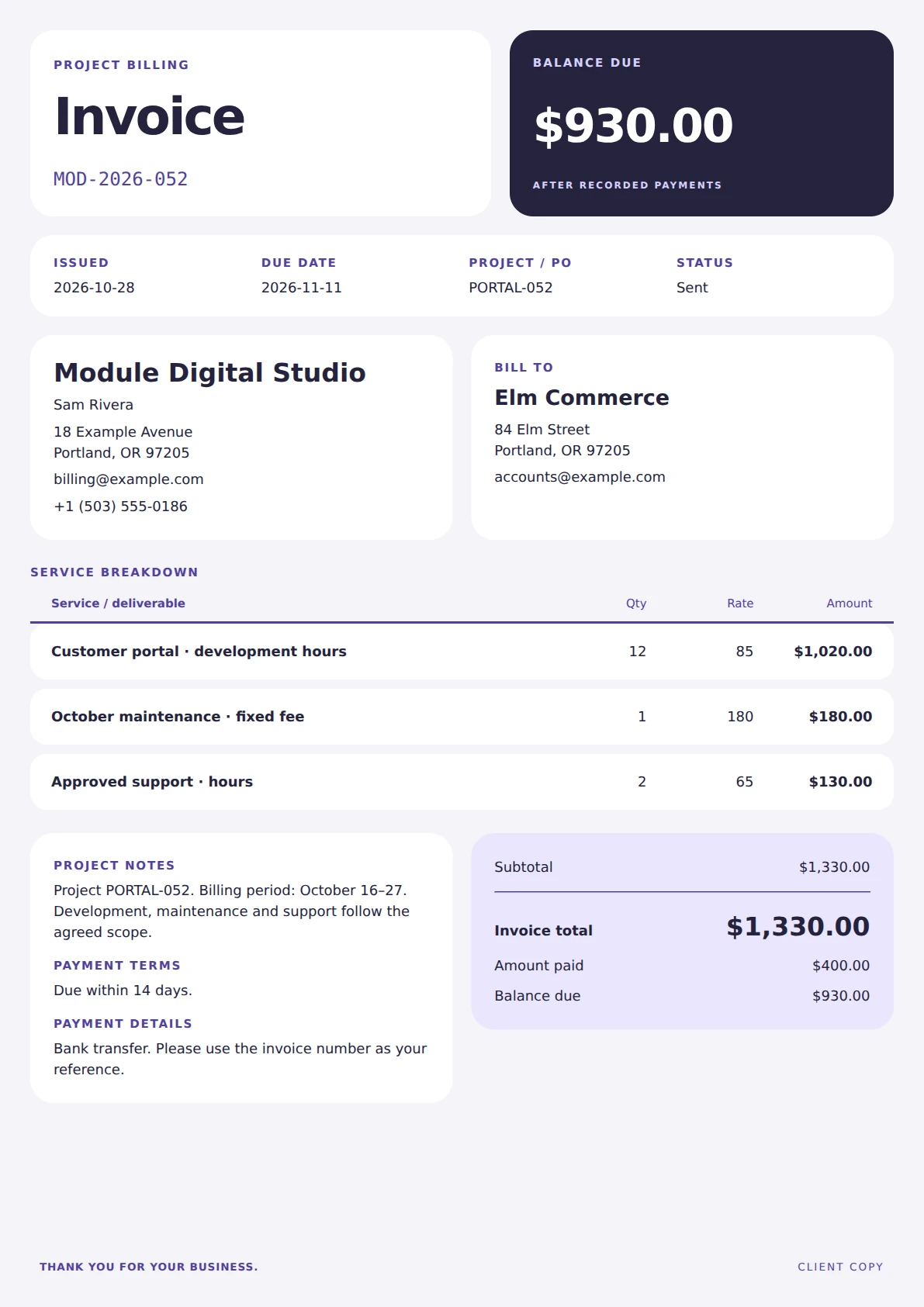
A software-services invoice built from rounded dashboard cards, with a prominent balance module, compact client details and individually separated service rows.
View template and use in editor ↗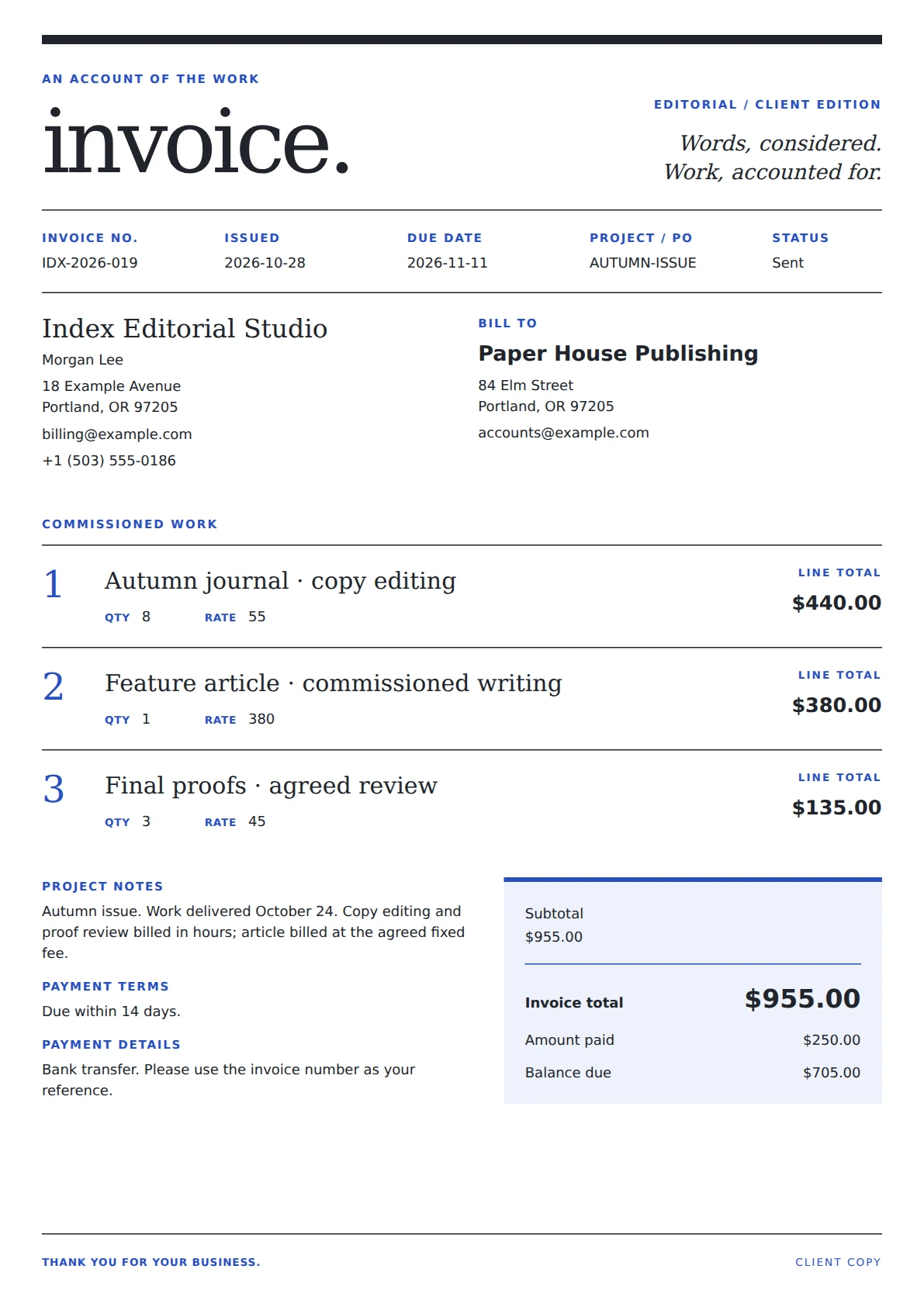
An editorial invoice laid out as a service journal: an understated masthead, numbered article-style line items and a compact two-column account summary.
View template and use in editor ↗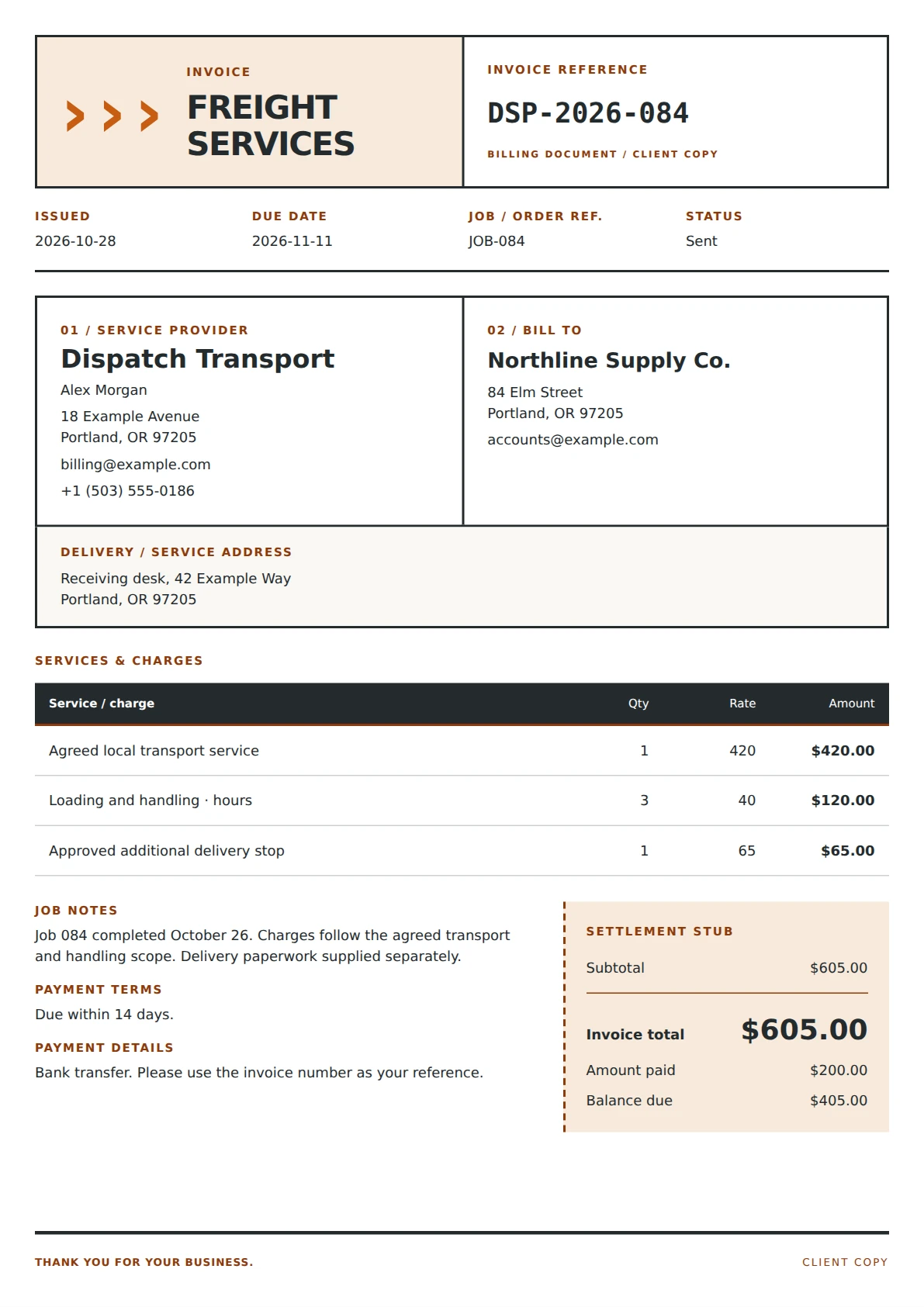
A freight-services invoice arranged like a shipping label, with boxed sender and customer details, a bold reference block and a separate settlement stub.
View template and use in editor ↗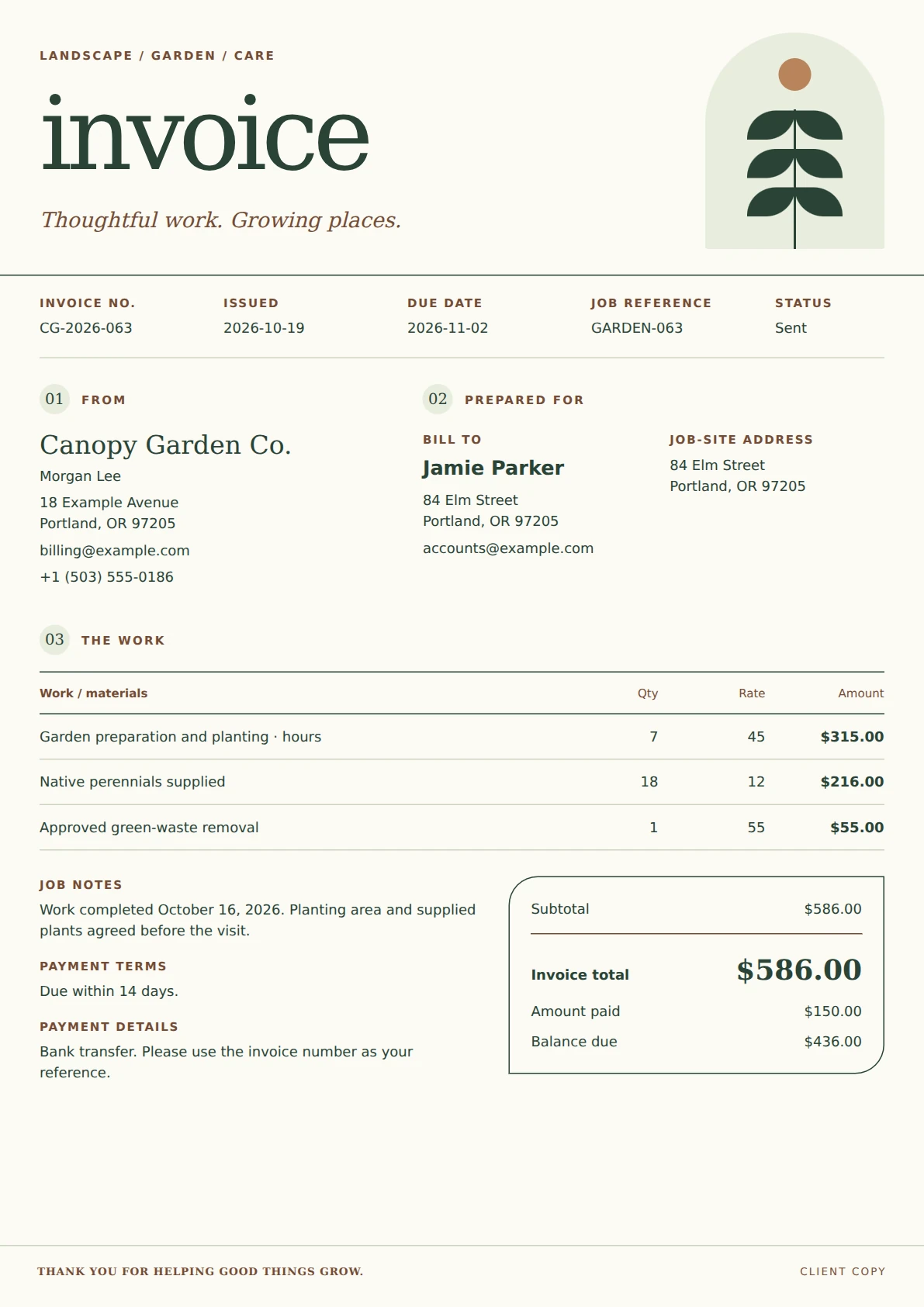
A landscape-services invoice with a sculptural botanical arch, earth-toned section markers, an open work schedule and a bordered account summary.
View template and use in editor ↗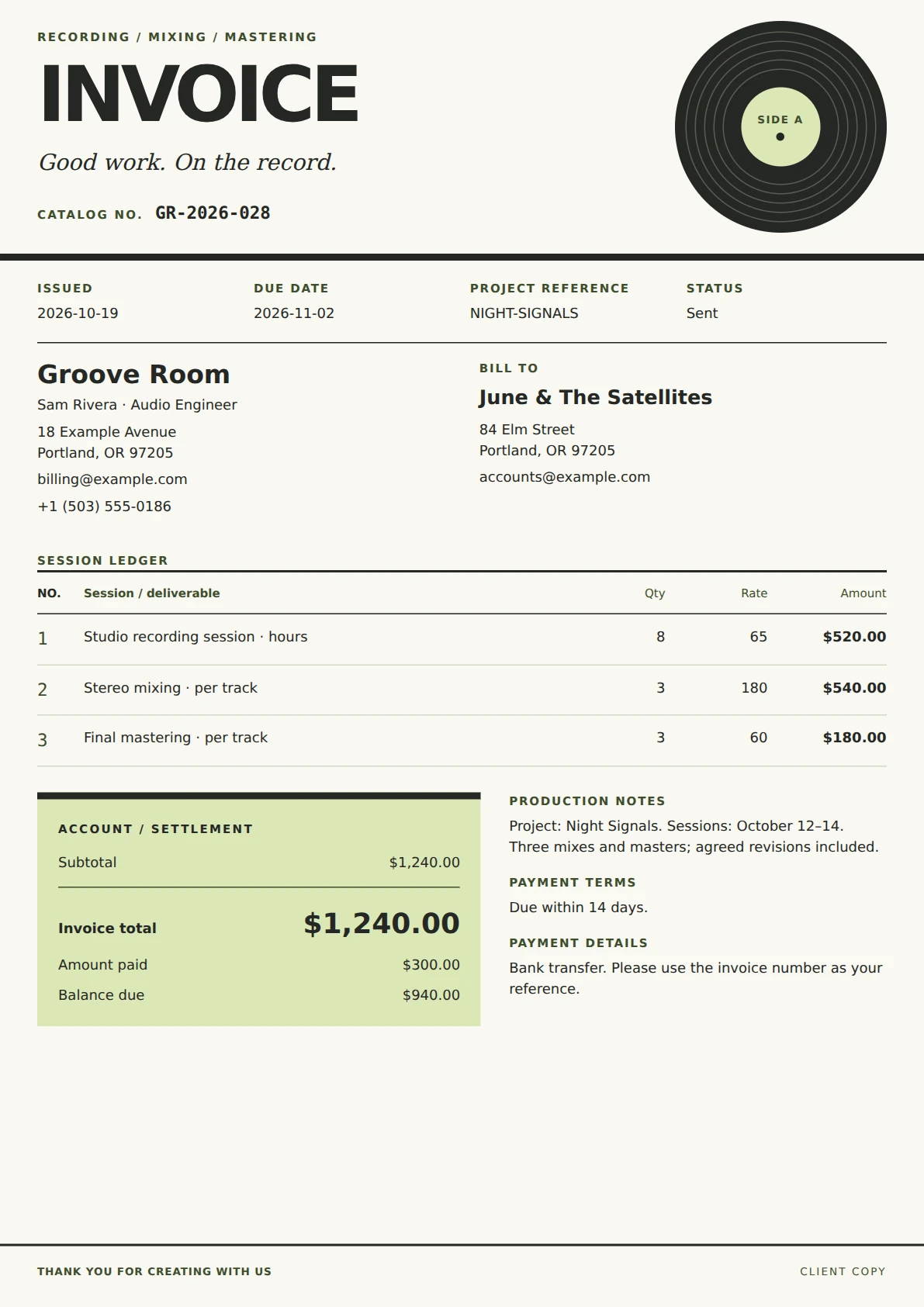
An audio-production invoice inspired by a vinyl sleeve, with a grooved record illustration, numbered session ledger and a lime settlement panel.
View template and use in editor ↗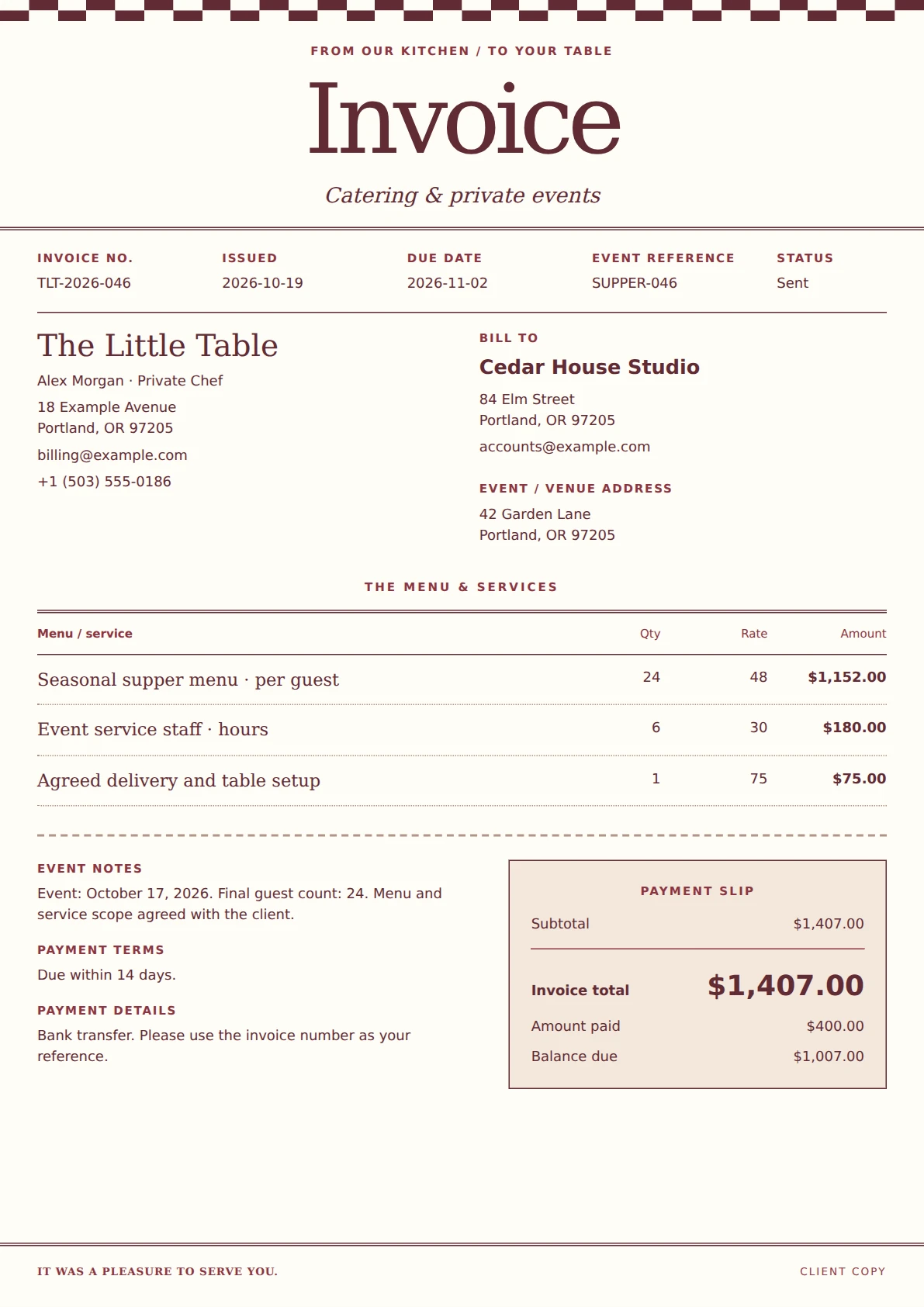
A catering invoice with the character of a neighborhood bistro menu: a checkered border, oversized serif title, dotted service rows and a detachable-style payment slip.
View template and use in editor ↗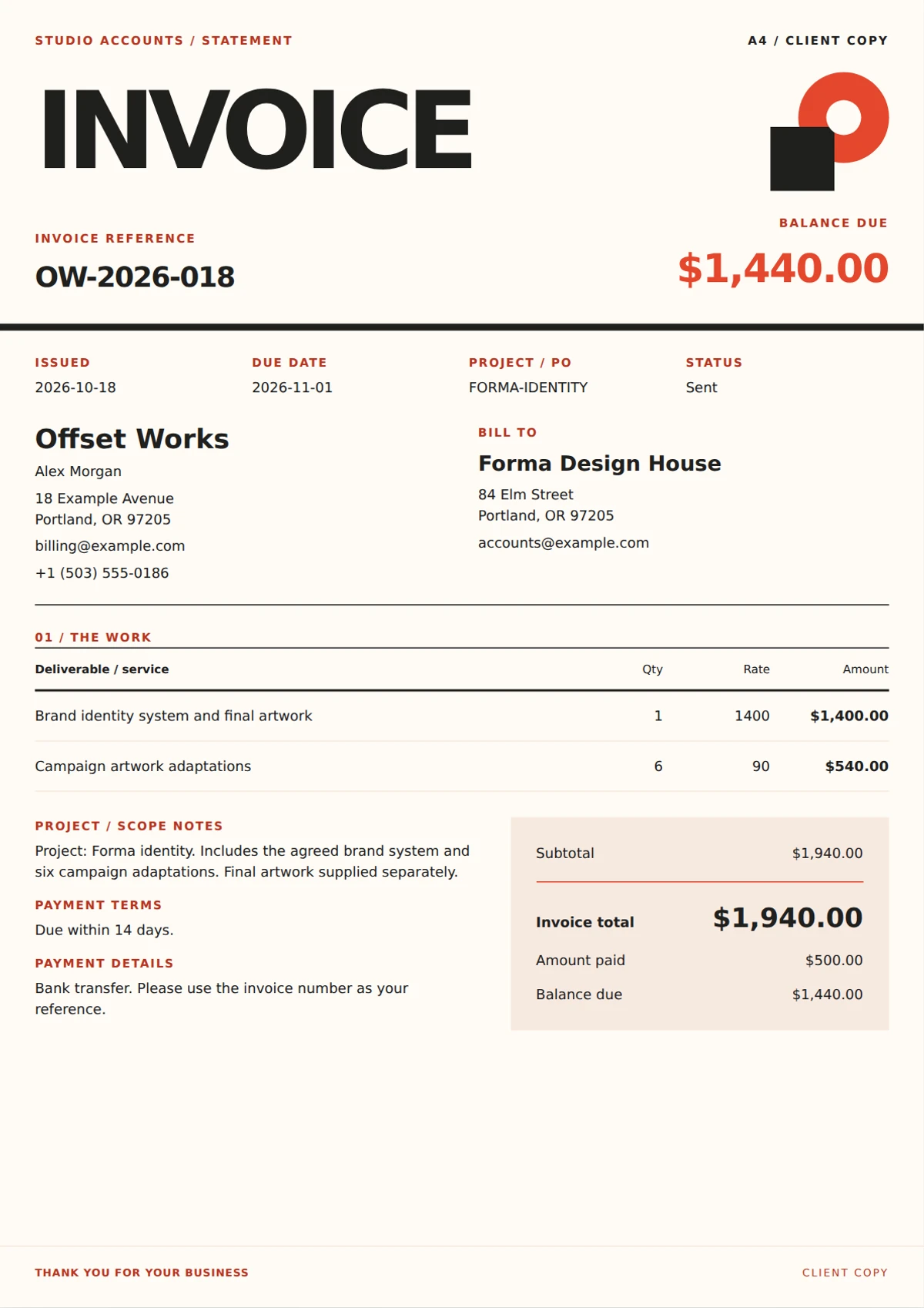
A Swiss-poster-inspired design invoice with oversized typography, coral geometric artwork, a prominent balance and a compact deliverables ledger.
View template and use in editor ↗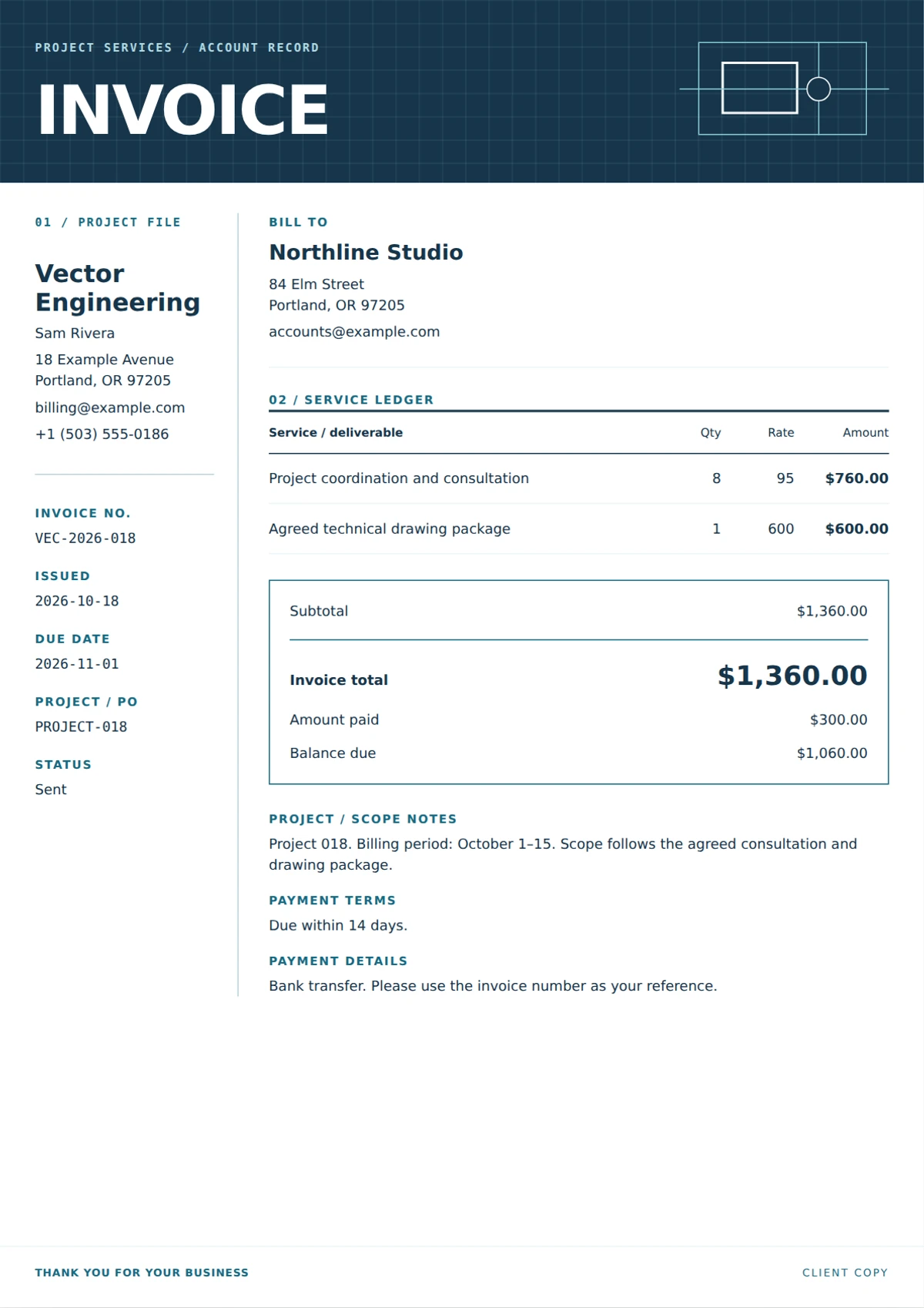
An engineering invoice laid out like a technical drawing, with a navy grid masthead, project-information rail and a separate white service ledger.
View template and use in editor ↗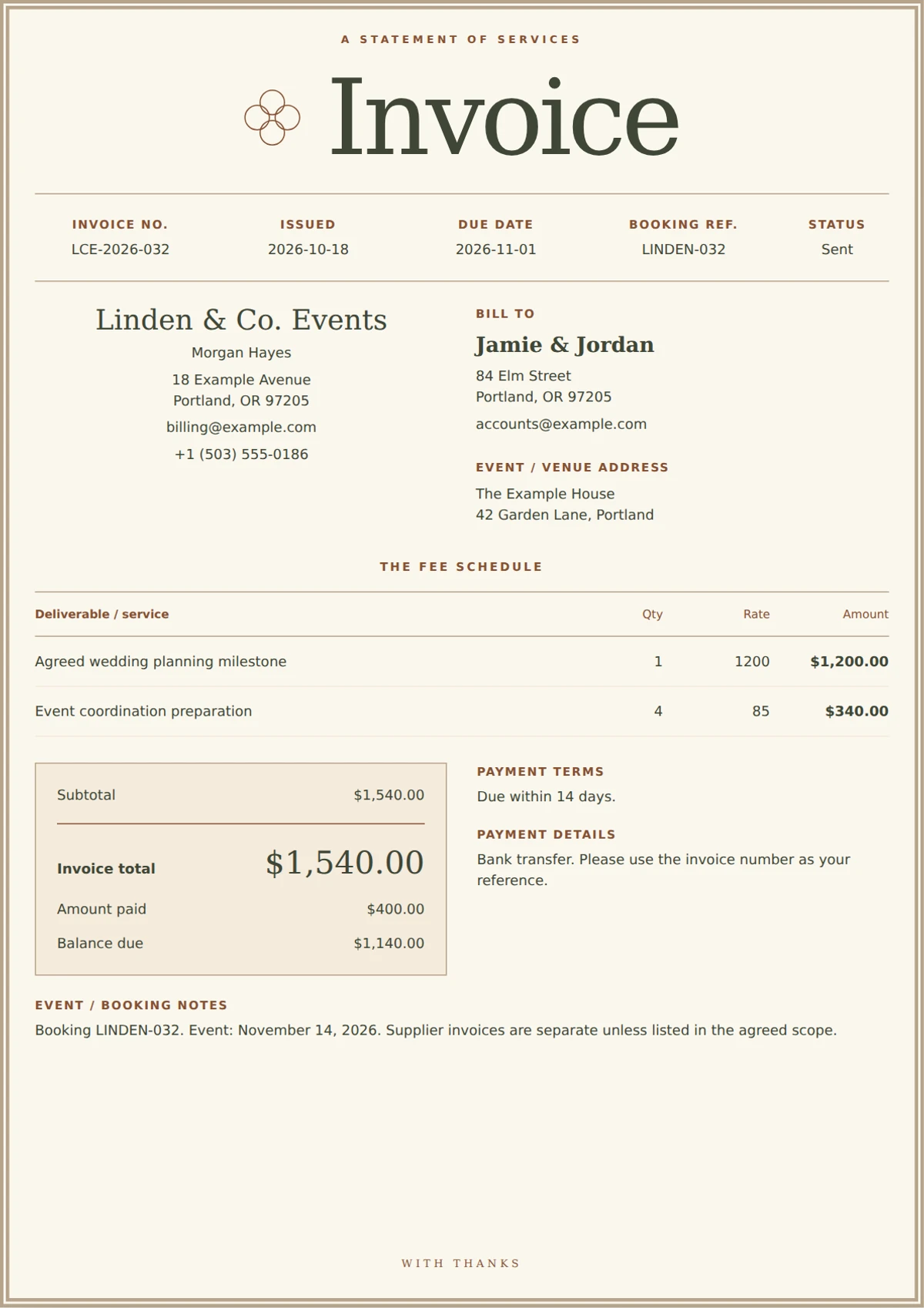
An invitation-inspired wedding planner invoice with an ivory double frame, expressive serif typography, a rosette motif and a quiet payment folio.
View template and use in editor ↗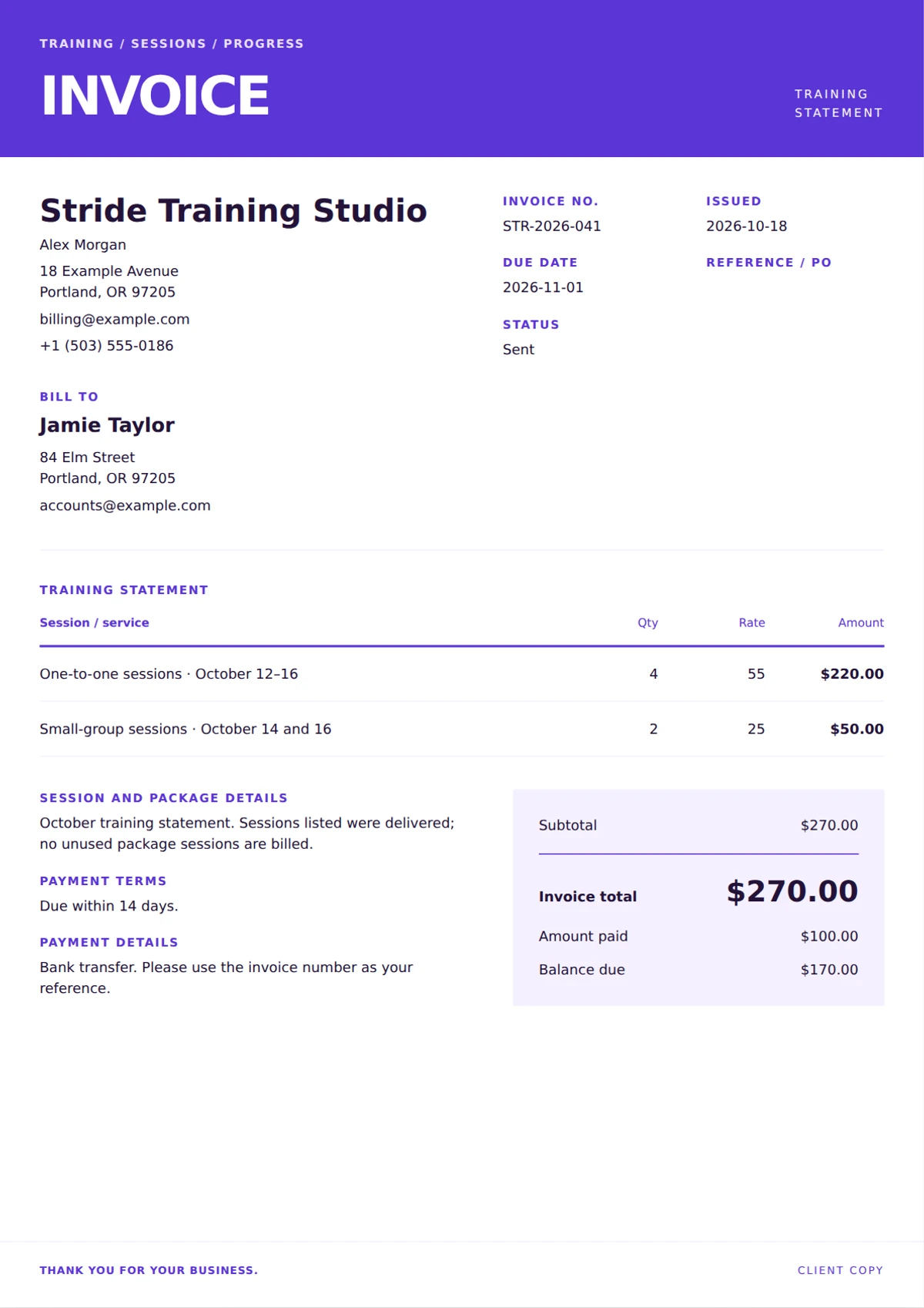
A bold personal trainer invoice with a violet session ledger, space for package references and a clear total for individual sessions or completed training packages.
View template and use in editor ↗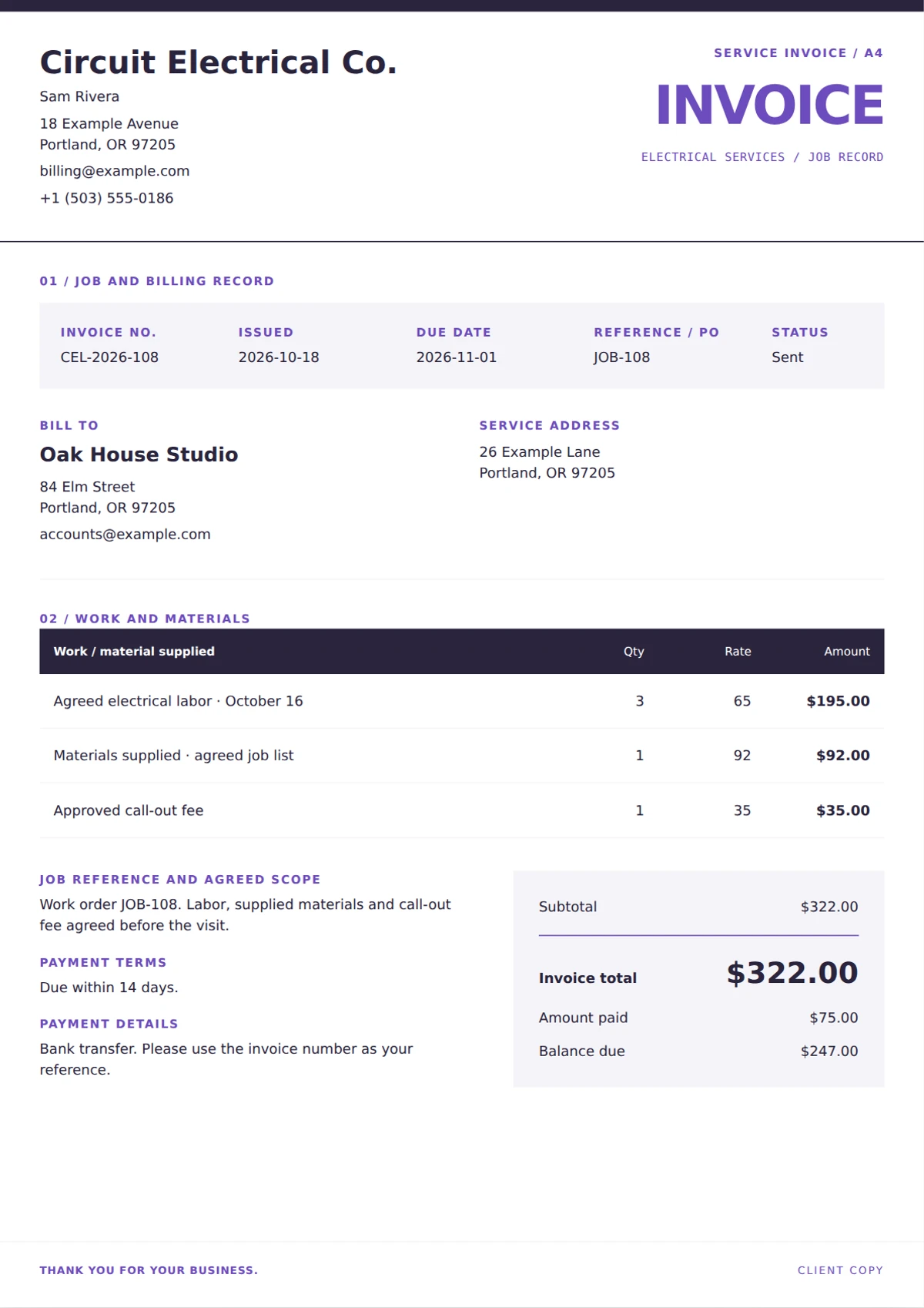
A job-sheet invoice for electricians with a structured work reference, optional service address and separate labor and material lines in a crisp technical layout.
View template and use in editor ↗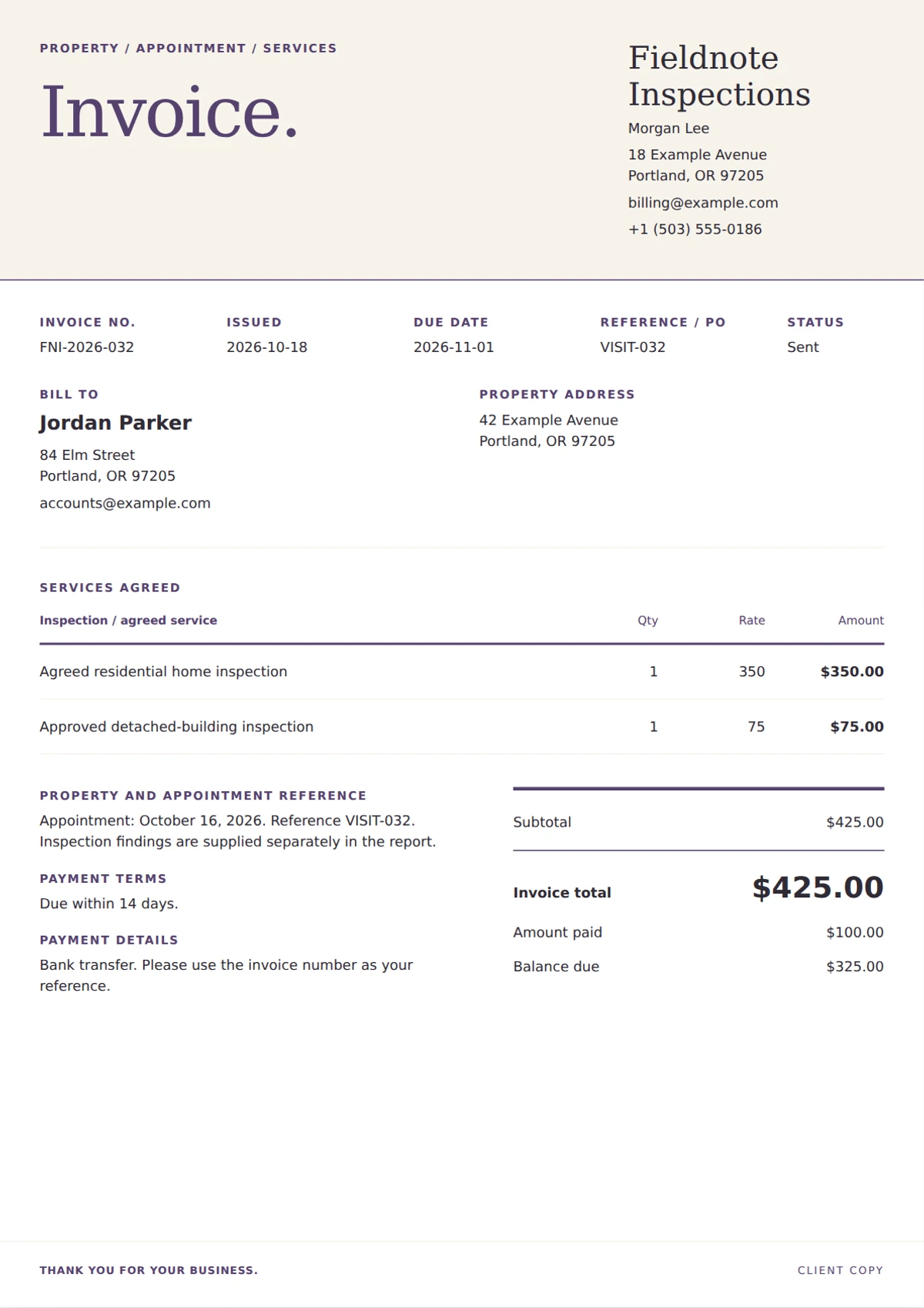
An editorial home inspection invoice with serif headings, a property-address block and an open service schedule for the agreed inspection and approved add-ons.
View template and use in editor ↗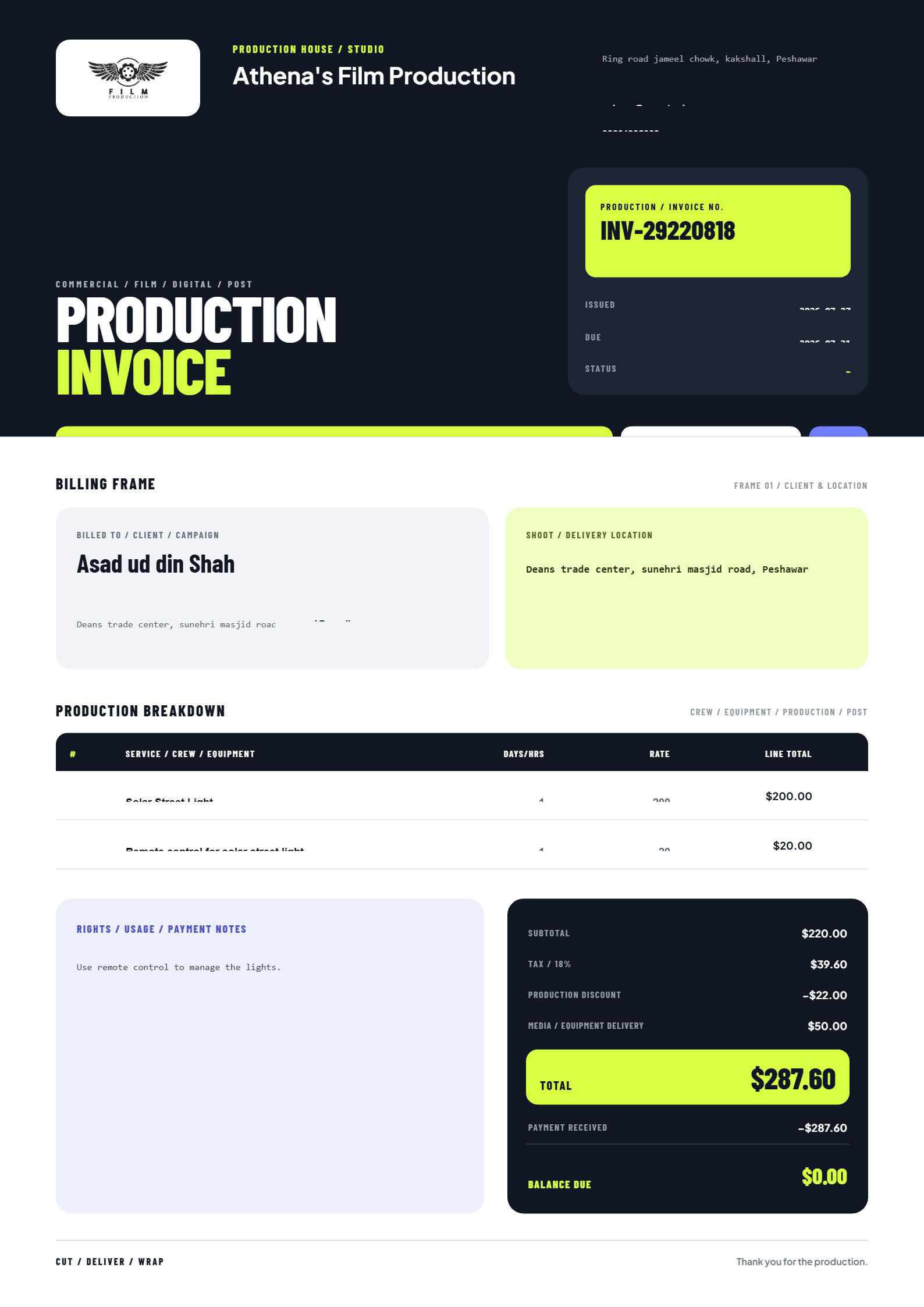
Create professional film and video production invoices for crew, equipment, shoot days, post-production, usage rights, expenses and client payments
View template and use in editor ↗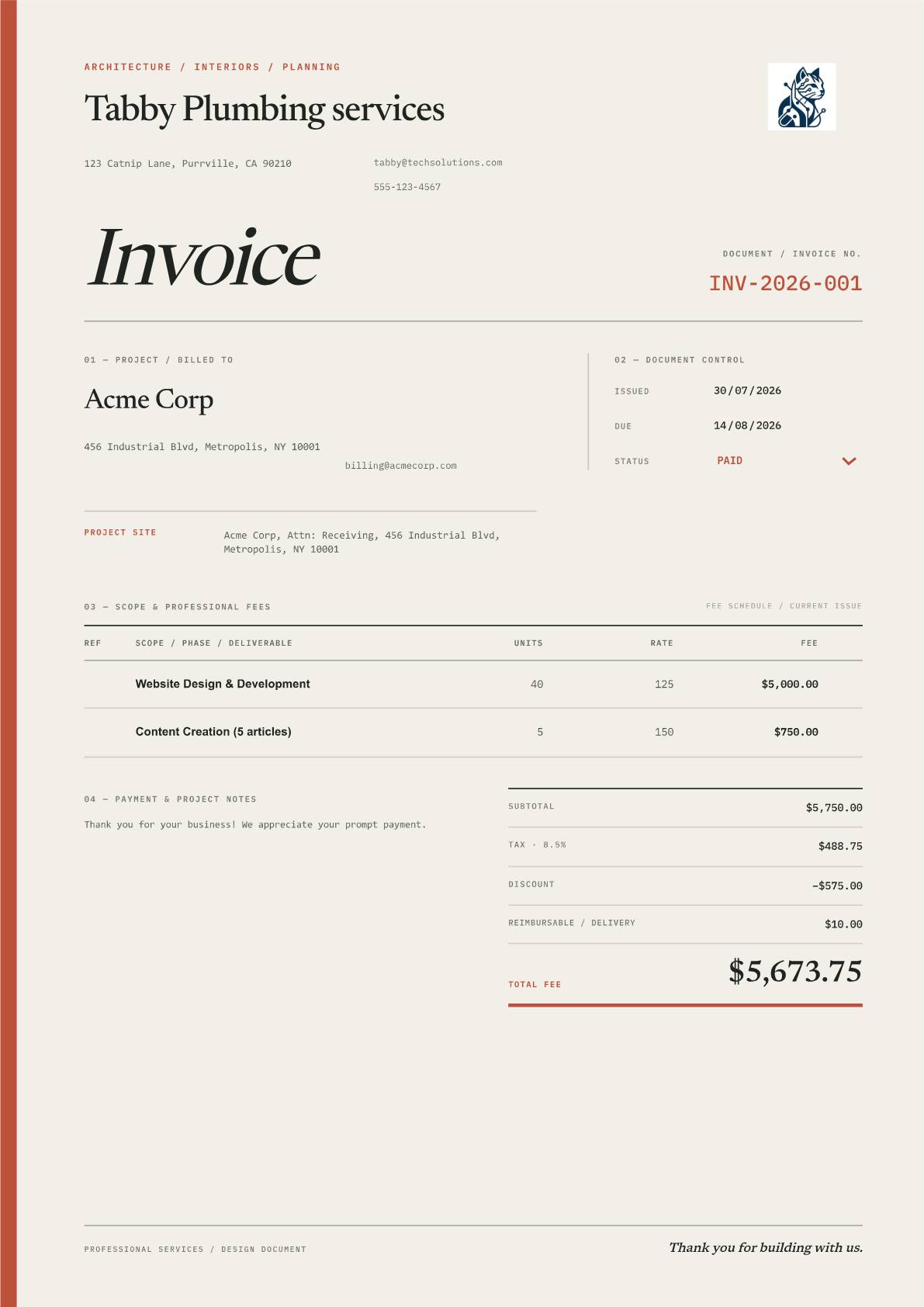
Create professional architecture and interior design invoices with an editorial A4 layout, project details, fee breakdowns, taxes, and payment tracking
View template and use in editor ↗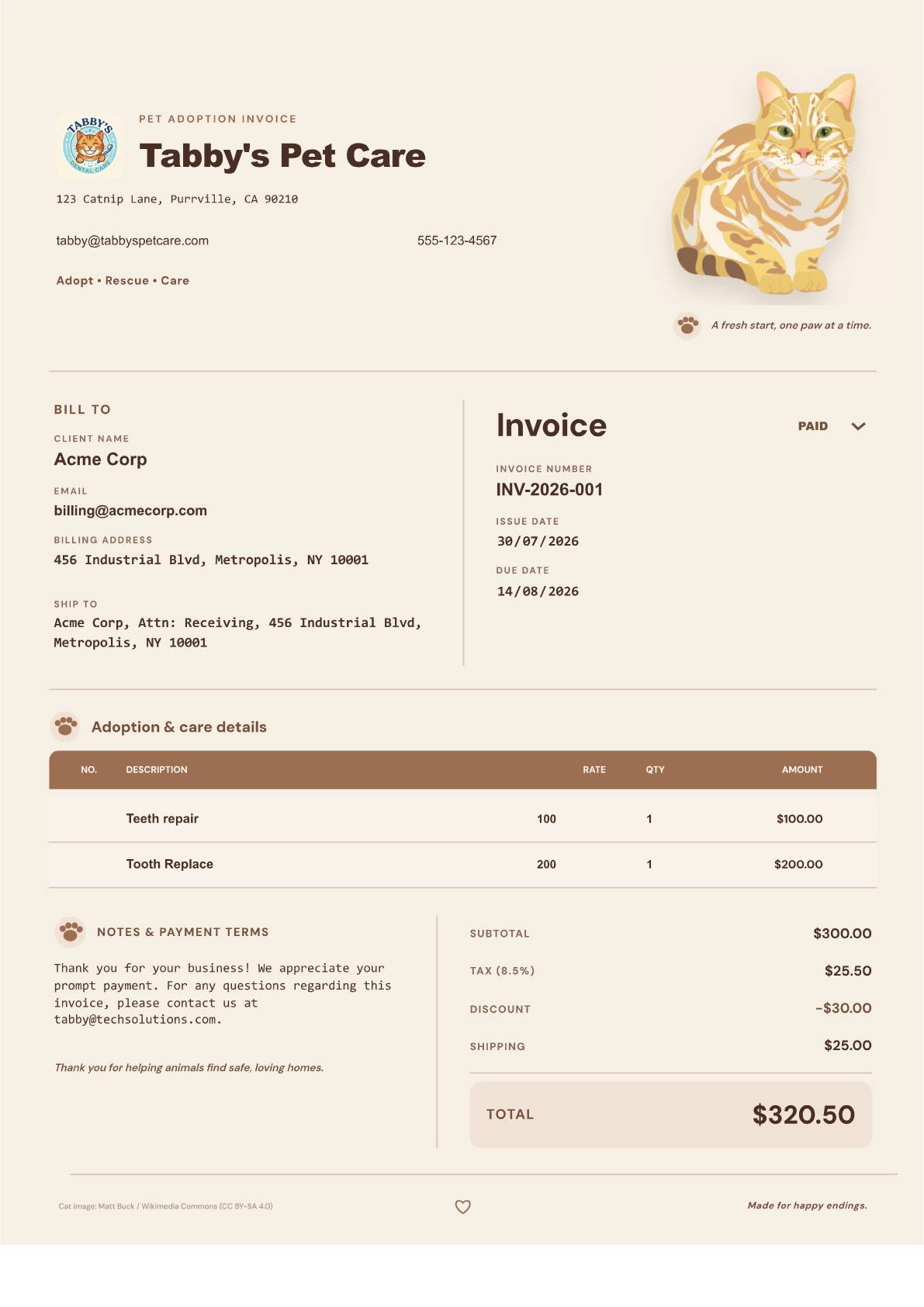
A warm, minimalist pet adoption invoice with a full cat image, editable client details, itemized charges, notes, and conditional totals
View template and use in editor ↗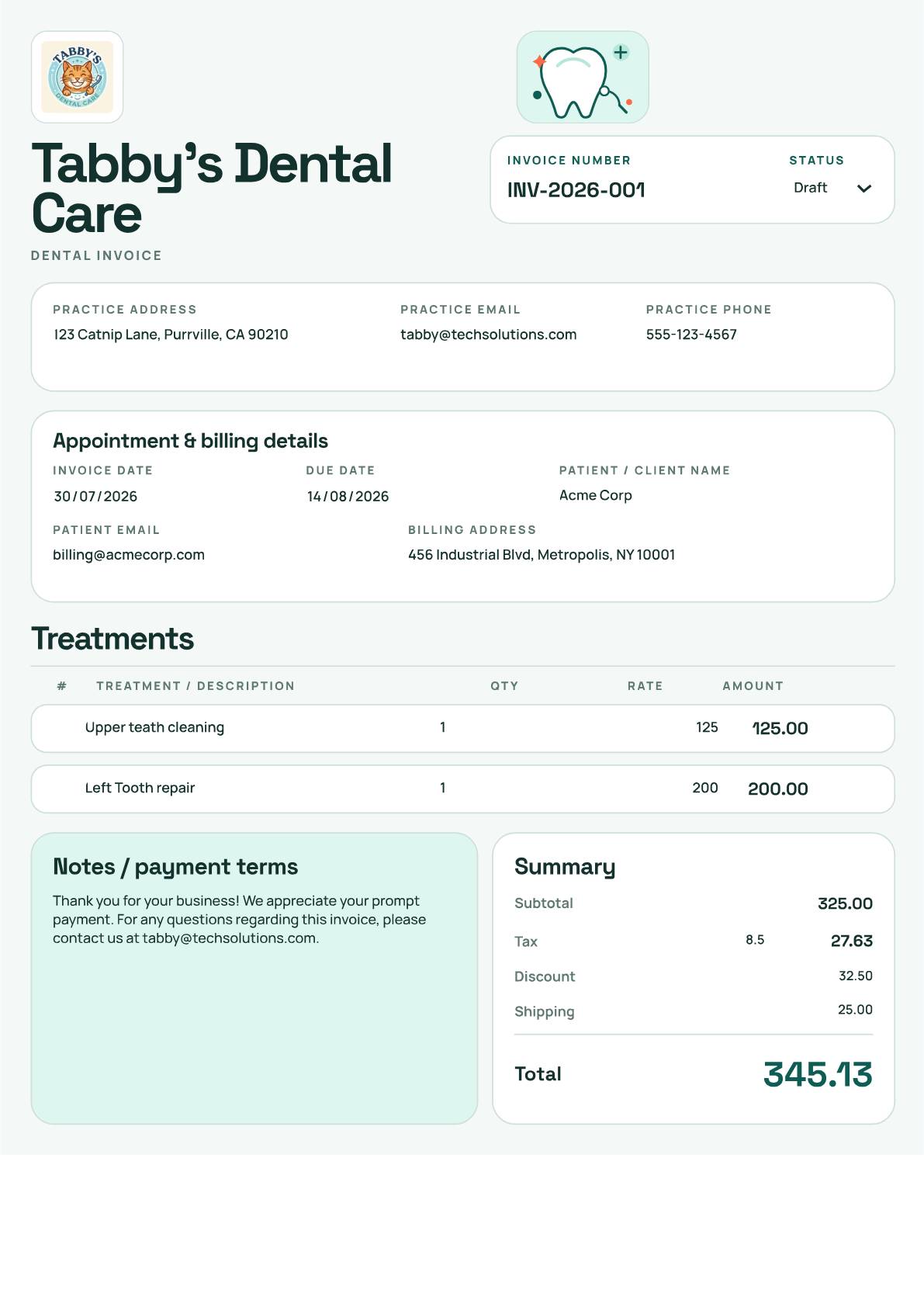
Create a dental invoice with editable treatment rows, your practice details and payment terms. Customize Molar Modern in your browser and download a PDF free. No signup or watermark.
View template and use in editor ↗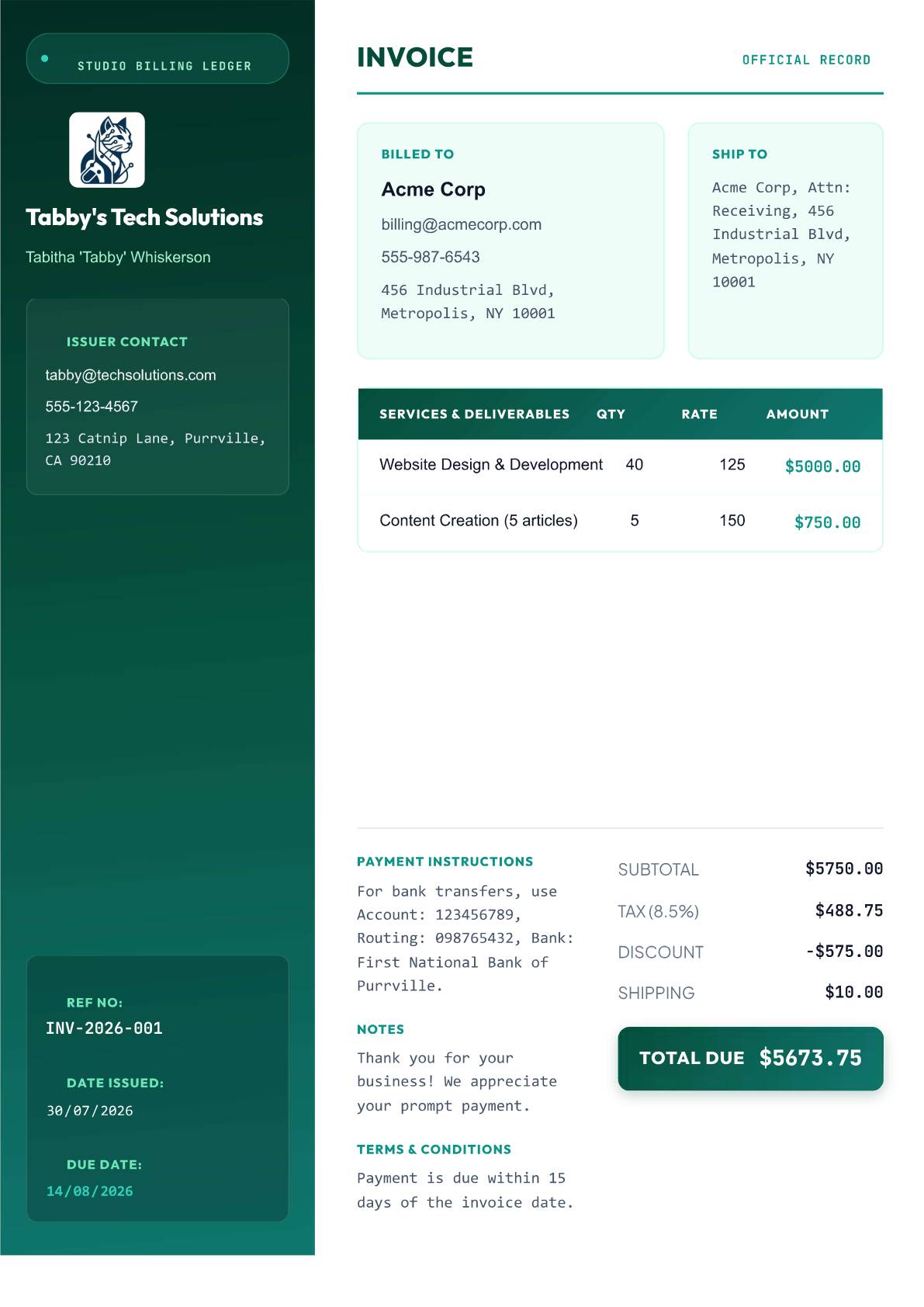
Film production invoice template for video studios, directors, editors, and motion teams with a cinematic sidebar, crop marks, and clear service rows.
View template and use in editor ↗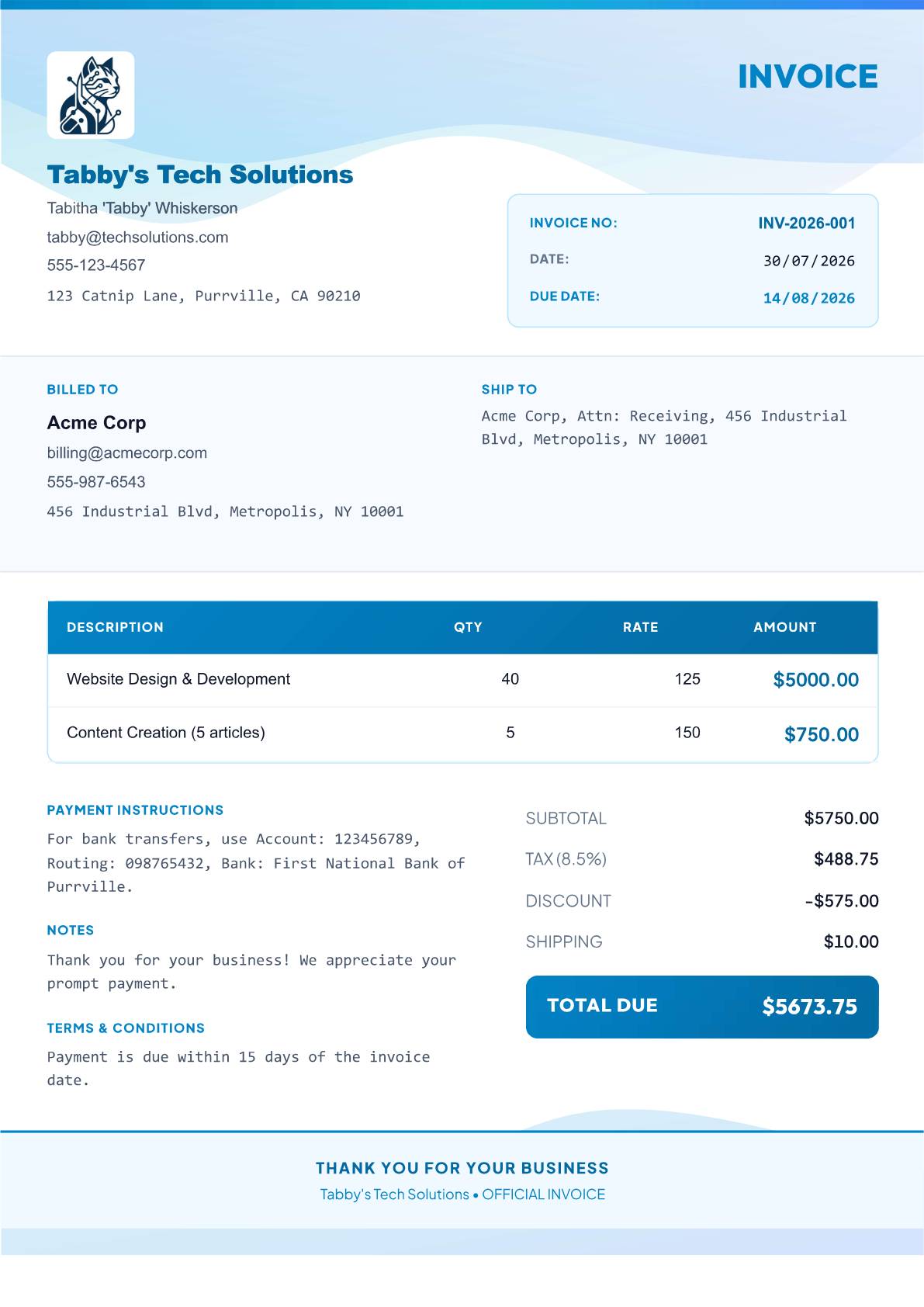
Wellness invoice template for therapists, coaches, yoga teachers, and nutritionists with calm blue-teal waves, friendly labels, and organic artwork
View template and use in editor ↗
Architecture invoice template for architects, engineers, surveyors, and CAD specialists with blueprint gridwork, technical labels, and monochrome tables.
View template and use in editor ↗
Agency invoice template for product teams, digital studios, and consultants billing by phase with milestone rows, project context, and status cues
View template and use in editor ↗
Contractor invoice template for builders, electricians, plumbers, and field teams with job details, labor-and-material rows, and ledger clarity
View template and use in editor ↗
Photography invoice template for photographers, editors, and production crews with contact-sheet framing, editorial hierarchy, and a featured total
View template and use in editor ↗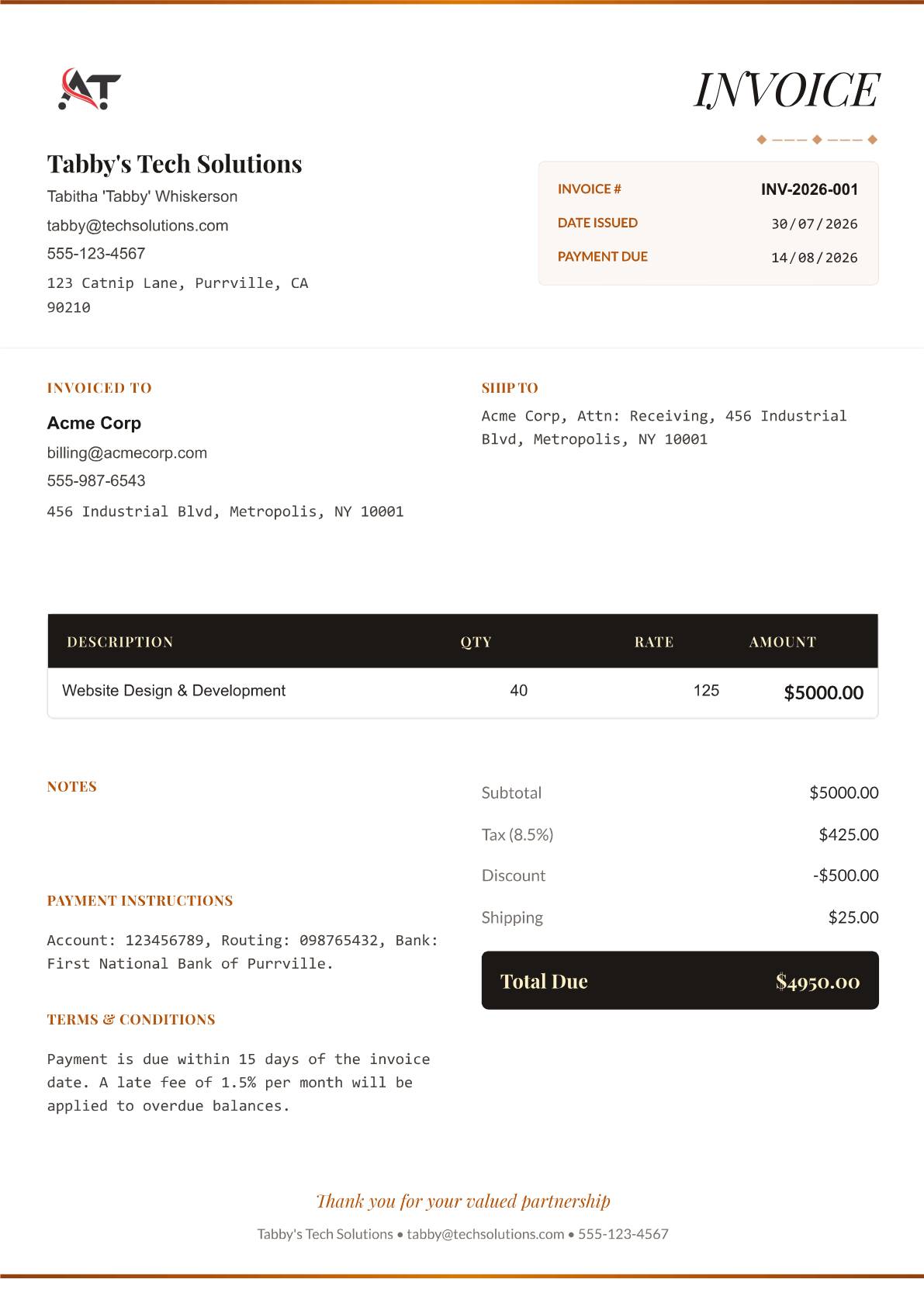
Interior design invoice template for decorators, stylists, and luxury consultants with refined serif type, brass accents, and architectural artwork
View template and use in editor ↗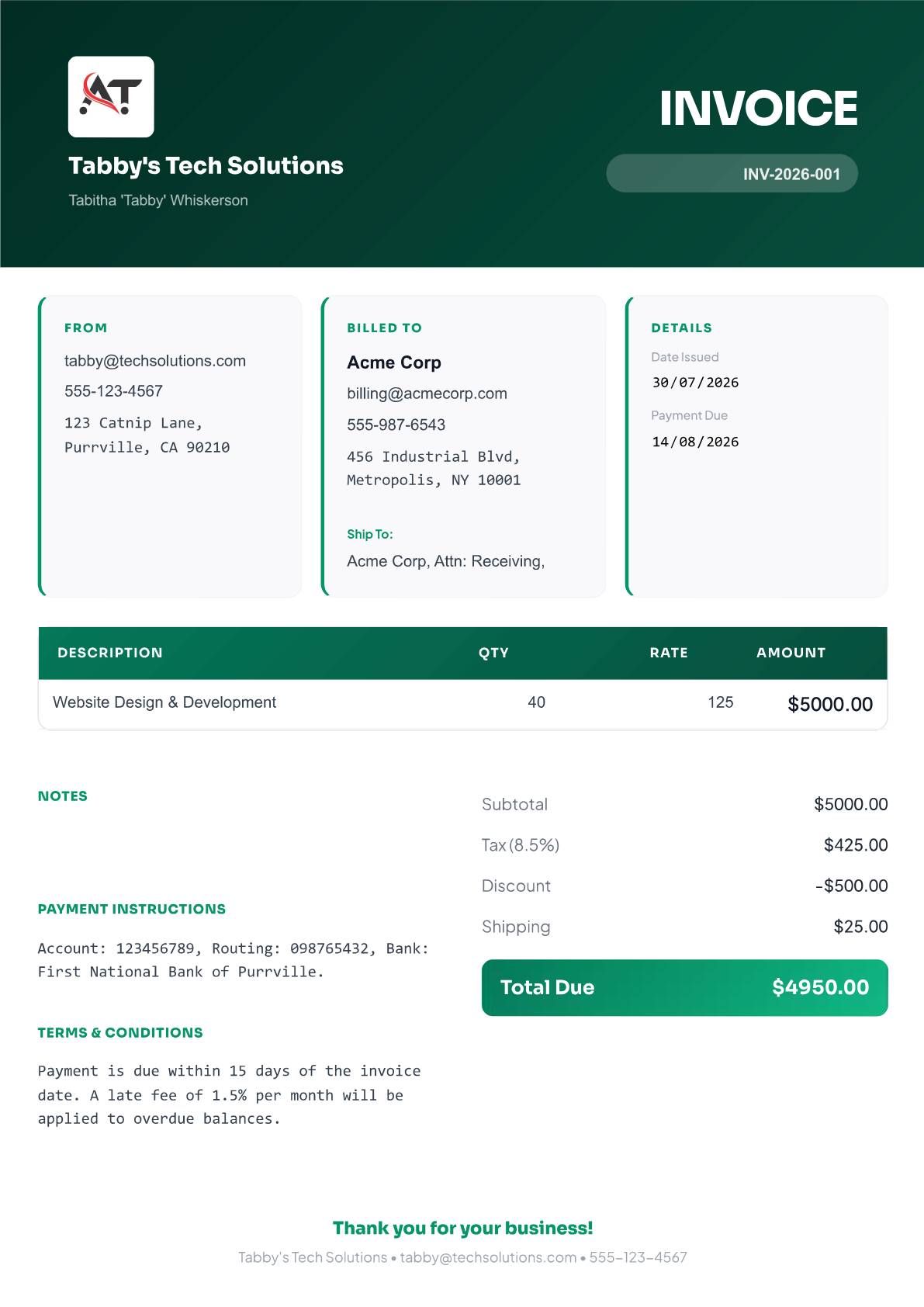
An energetic creative invoice with oversized type and punchy information cards
View template and use in editor ↗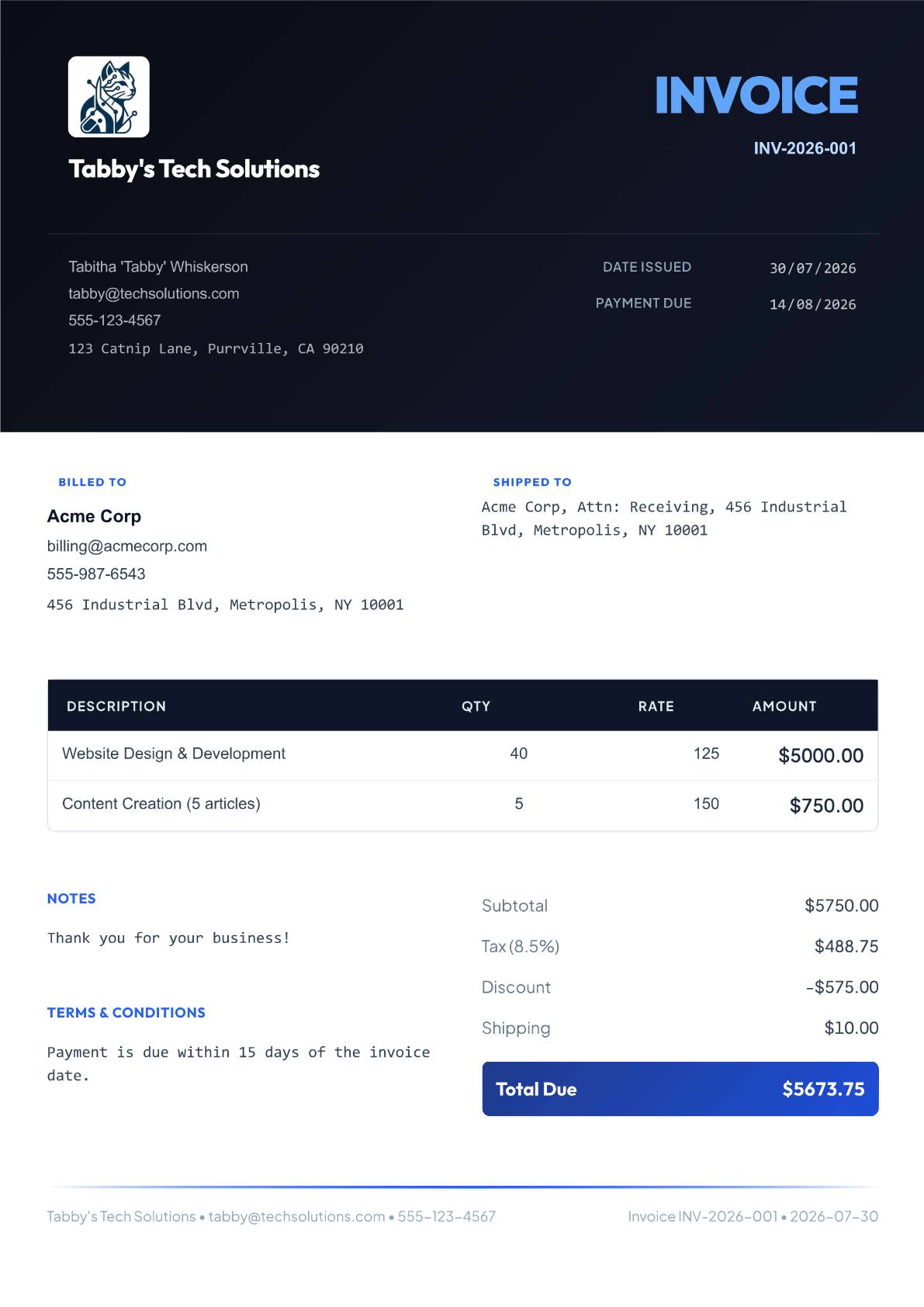
Contemporary design with a bold dark header and crisp account-summary rhythm
View template and use in editor ↗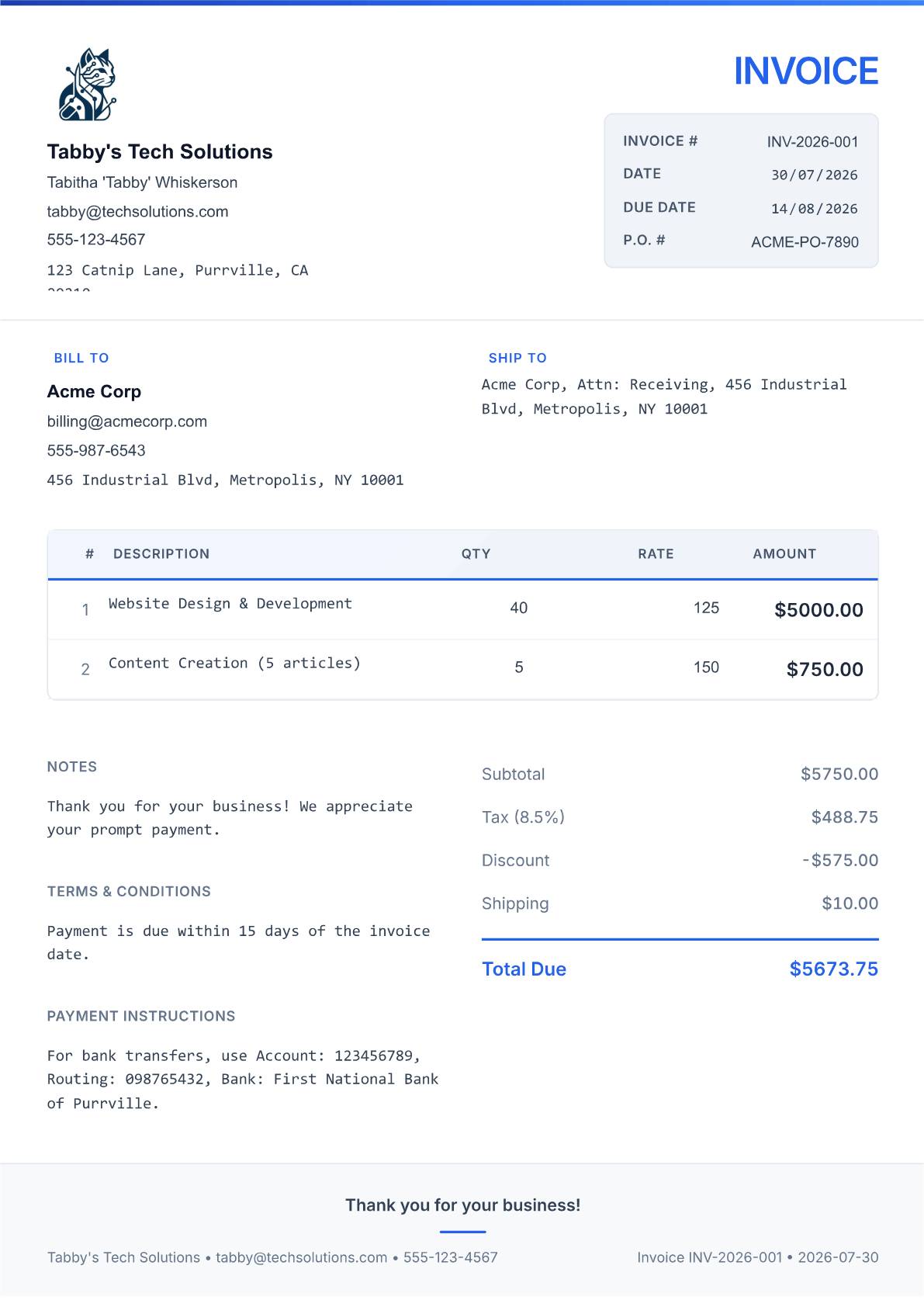
Traditional professional layout with a clean grid structure and blue accents
View template and use in editor ↗From layout to finished invoice
Use a service-focused template for hours and project fees, or a product-focused layout for quantities, rates and shipping. Compare the full invoice preview before choosing.
Add your business name, logo, client details, invoice number and dates. Describe each service or product clearly, then review taxes, discounts and any payment already received.
Confirm the amount due, payment instructions and due date. Open the finished invoice in the editor to download a PDF or print it. These are editable browser templates, not Word or Excel files.
Follow the invoice tutorial · Read the invoice template guide · Create a blank invoice
Yes. Choose a template and use it in the CatInvoice editor without signing up. You can download your completed invoice as a PDF without a CatInvoice watermark.
Yes. The previews show example data. Replace it with your own business, client, line items, payment terms and logo before sending the invoice.
Choose the layout that makes your charges easiest to read. Hourly work benefits from clear quantities and rates; product orders also need shipping details. Every template keeps the invoice editable.
No. Choosing a template opens the editor. You review the invoice, export the PDF and send it to your client yourself.