
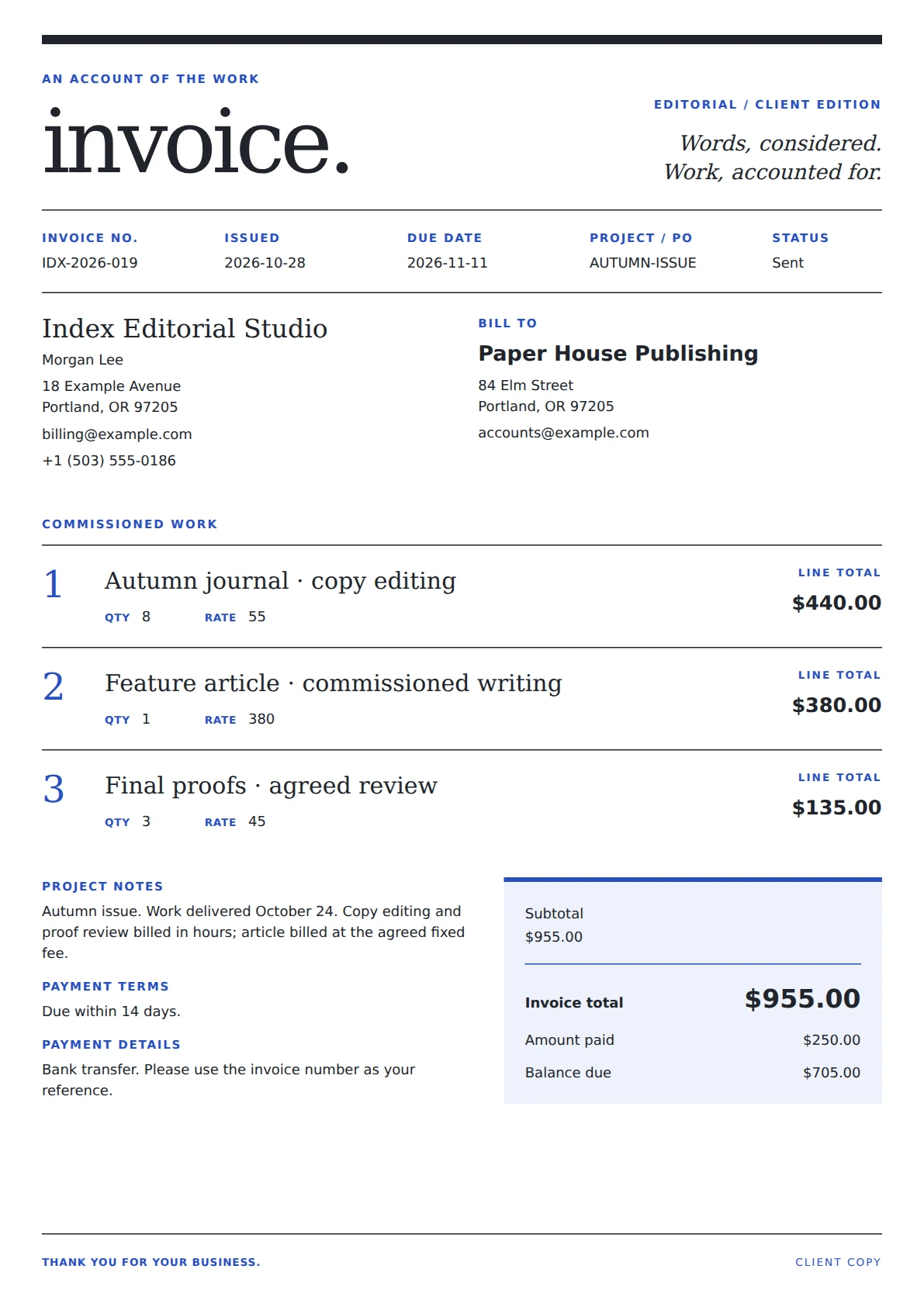
Professional invoice template
Index Editorial Invoice Template
An editorial invoice laid out as a service journal: an understated masthead, numbered article-style line items and a compact two-column account summary.
Free to customize. Add your logo and invoice details, then export a print-ready PDF.
- Best for
- freelance editors and proofreaders and writers and small editorial studios
- Format
- Editable A4 invoice
- Price
- Free template
- Export
- Print-ready PDF
Writing and editing billing
About this editor invoice template
An editorial invoice laid out as a service journal: an understated masthead, numbered article-style line items and a compact two-column account summary.
Designed for freelance editors and proofreaders, and writers and small editorial studios, this layout makes manuscript editing hours, commissioned articles, and agreed proofreading and revision rounds easier to scan while keeping business details, dates, payment terms, and the final balance in a dependable A4 structure.
Built for real invoices
What this template includes
- Journal-style masthead with serif typography
- Numbered article entries instead of a conventional item table
- Quantity and rate beneath each service, with a compact account summary
- Editable business identity, contact details, and logo
- Client billing details and optional shipping address
- Itemized quantities, rates, taxes, discounts, and totals
- Invoice number, issue date, due date, payment terms, and notes
Four simple steps
How to use the Index Editorial template
Open the template
Choose “Use this template” to load Index Editorial in the free CatInvoice editor.
Add business and client details
Replace the sample identity, contact, invoice number, dates, and billing address.
Itemize the work
Add clear rows for manuscript editing hours, commissioned articles, and agreed proofreading and revision rounds, then apply any tax, discount, shipping, or payment credits.
Review and export
Check the totals and payment terms, preview the final A4 layout, and export a print-ready PDF.
Invoice with confidence
Writing and editing invoicing tips
- Name each manuscript, article or document in its service entry.
- State the billing unit in the description, such as hours, articles or word-count blocks.
- Reference the approved revision scope and delivery period in the notes.
Authoritative references
Helpful invoicing resources
Invoice requirements vary by business and location. These independent government resources provide useful recordkeeping and invoice-field guidance.
Common questions
Index Editorial template FAQ
Is the Index Editorial invoice template free?
Yes. You can customize the template in CatInvoice and export the finished invoice as a PDF without paying for the template.
Who is this editor invoice template for?
It is designed for freelance editors and proofreaders, and writers and small editorial studios. The wording and line items remain editable, so it can also support closely related services.
What can I include in the Index Editorial template?
You can include business and client details, invoice dates, itemized quantities and rates, taxes, discounts, shipping, payment credits, terms, notes, and a final balance.
Can I add my logo and export the invoice as a PDF?
Yes. Add your logo and brand details in the editor, review the A4 preview, and export a print-ready PDF when the invoice is complete.