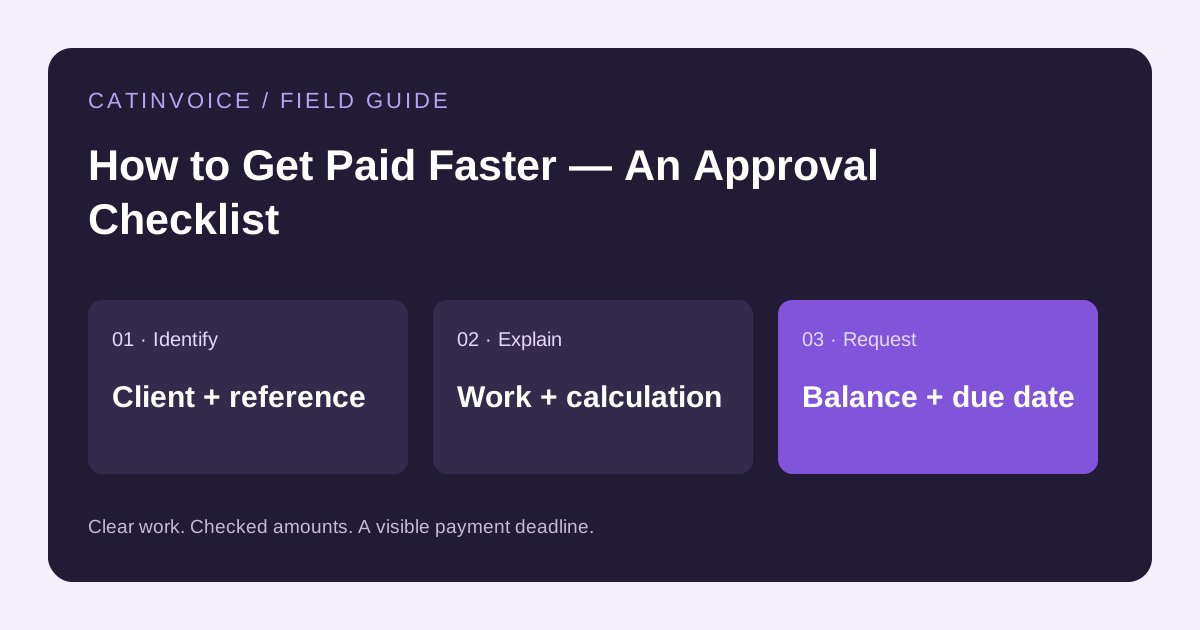
A useful way to shorten payment delays is to remove the reasons an invoice gets stuck: missing approval, the wrong billing contact, an unclear charge or incomplete payment instructions. Start before sending the PDF.
Before work starts
Ask who approves the work and who processes invoices. Confirm the contracting business name, purchase-order requirement, payment deadline and accepted payment method. For a long project, agree milestones and any deposit in writing. A deposit percentage should reflect your agreement, not a universal rule copied from a blog.
Make each charge easy to approve
Use recognizable descriptions and the service period. Match fixed fees to the accepted quote and hourly work to the agreed rate and time record. If you changed the scope, include the approval reference. Do not ask the accounts-payable team to infer what a line called Services covers.
Send the invoice to the right place
Attach the checked PDF and include the invoice number, amount remaining and due date in your message. If the customer uses a supplier portal, follow that process as well. Confirm receipt when the contract requires it; an email in your sent folder is not proof that the customer approved the bill.
Follow up with a specific question
If the due date passes, first check whether a payment has arrived. Then resend the invoice and ask whether it is approved and which date payment is scheduled for. If there is a disputed item, identify that item and agree the next step rather than sending the same generic reminder repeatedly.
Example reminder
Hi Alex, I am following up on invoice INV-1042 for the completed design work. The remaining balance is $200 and the due date was October 28. I have attached the invoice again. Could you confirm whether it has been approved and when payment is scheduled? Thanks.
Keep a small payment log
Record the invoice number, amount, due date, sent date, confirmed payments and next follow-up date. Review unpaid invoices once a week. Use the invoice tracker linked below if you need a starting point. CatInvoice creates the PDF; send follow-ups through your own email and record payments yourself.
Prepare and keep your invoice
Create an invoice or choose an editable layout from the template library. Replace the sample details, check the preview and download the PDF. Send it using your own email, with supporting documents as separate attachments where needed.
See payment terms and due-date examples and the invoice tracking guide for the next steps. Save the PDF and a backup of any locally stored records.