← Back to Blog

Motorhome Technician Invoicing Guide

Learn how to create professional motorhome technician invoices with materials markup and labor costs using a free invoice template

By Muhammad Salman

Motorhome Technician Invoicing Made Easy

You need a simple way to create invoices for your motorhome repair services, including materials markup and labor costs. As a motorhome technician, you can use a free invoice template to create professional invoices quickly and easily, without having to sign up for any services or worry about data privacy.

This guide is for motorhome technicians who want to create professional invoices quickly and easily, without having to sign up for any services or worry about data privacy. You will learn how to create invoices that include a clear breakdown of labor, parts, and materials costs, as well as any additional services or fees.

Understanding Invoice Requirements for Motorhome Technicians

As a motorhome technician, you bill clients for labor, parts, and materials. Your invoices should include a clear breakdown of these costs, as well as any additional services or fees. You may also need to include information about warranties, guarantees, or other terms and conditions of your services.

For example, if you are performing a routine maintenance inspection, your invoice might include the cost of labor, parts, and materials, as well as any additional services such as oil changes or filter replacements. You should also include a clear description of the work performed, including the number of hours worked and the rate charged per hour.

Required Invoice Fields for Motorhome Technicians

Field Description
Client Information Name, address, phone number, email
Service Description Clear description of work performed, including labor and materials
Costs and Charges Breakdown of labor, parts, and materials costs, including any taxes or fees
Payment Terms Instructions for payment, including due date and accepted payment methods

Sample Line Items for Motorhome Technician Invoices

  • Oil change and filter replacement: 2 hours labor at $75/hour, $100 parts and materials, total $250
  • Brake pad replacement and rotor resurfacing: 3 hours labor at $75/hour, $200 parts and materials, total $425
  • Installation of new water pump and hoses: 4 hours labor at $75/hour, $300 parts and materials, total $600
  • Inspection and diagnosis of electrical system: 1 hour labor at $75/hour, $0 parts and materials, total $75
  • Replacement of faulty propane regulator: 2 hours labor at $75/hour, $150 parts and materials, total $300

Creating a Motorhome Technician Invoice with CatInvoice

To create a professional invoice quickly and easily, you can use CatInvoice. Simply enter your client information, service description, and costs and charges, and CatInvoice will generate a PDF invoice for you.

No signup or hassle required - just enter your information and download your invoice. CatInvoice is a free online invoice generator that allows you to create professional invoices in minutes.

Try CatInvoice today and create your first invoice in minutes. You can also use CatInvoice to create invoices for other services, such as maintenance inspections or repair services.

Payment Terms and Deposits for Motorhome Technicians

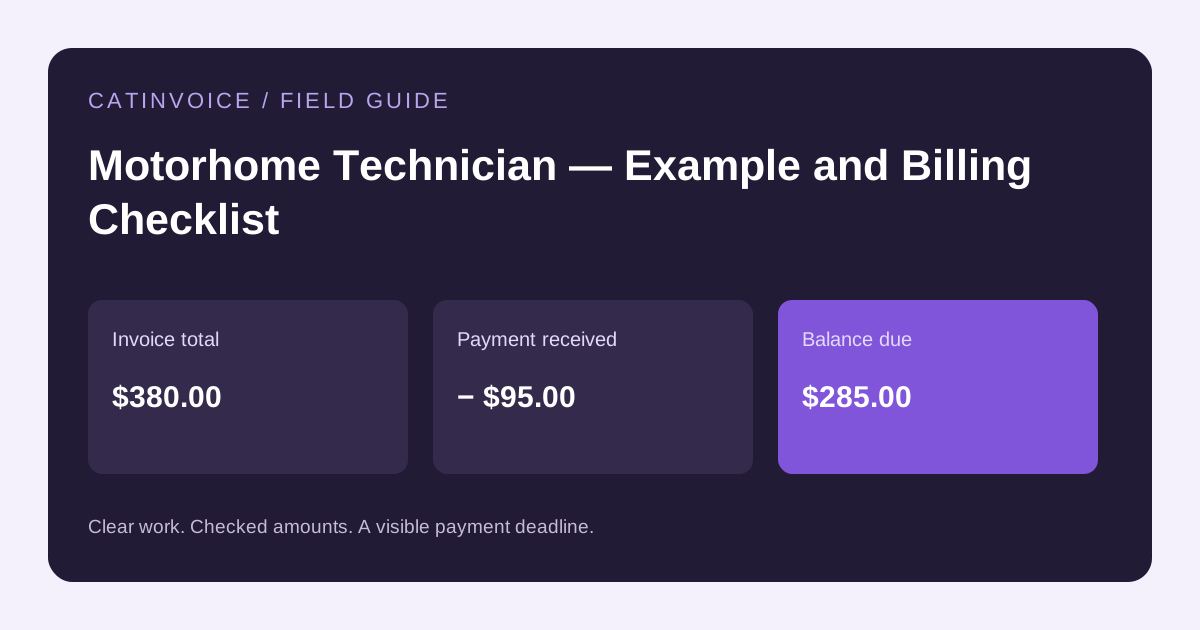
As a motorhome technician, you may require a deposit from clients before starting work, with the balance due upon completion of the job. You should clearly outline your payment terms on your invoice, including any late payment fees or penalties.

For example, you might require a 50% deposit upfront, with the balance due within 30 days of completion. You should also include a clear description of the work performed, including the number of hours worked and the rate charged per hour.

For more information on creating effective payment terms, check out our guide to invoicing for on-call plumbers. You can also use CatInvoice to create invoices with custom payment terms and conditions.

Frequently Asked Questions about Motorhome Technician Invoicing

What information should I include on my motorhome technician invoice?

You should include client information, service description, costs and charges, and payment terms on your invoice. You should also include a clear breakdown of labor, parts, and materials costs, as well as any additional services or fees.

How do I calculate labor costs for my motorhome technician services?

You can calculate labor costs by multiplying the number of hours worked by your hourly labor rate. For example, if you work 2 hours at $75/hour, your labor cost would be $150.

Can I use a free invoice template for my motorhome technician business?

Yes, you can use a free invoice template like CatInvoice to create professional invoices for your motorhome technician business. CatInvoice is a free online invoice generator that allows you to create professional invoices in minutes.

How do I ensure data privacy when creating and sending invoices?

By using CatInvoice, you can ensure data privacy because all invoice data is stored locally on your device and not on any servers. You can also use CatInvoice to create invoices with custom payment terms and conditions.

What are some common add-ons or services that motorhome technicians offer?

Common add-ons or services that motorhome technicians offer include maintenance inspections, repair services, and upgrades or installations of new parts and systems. You can use CatInvoice to create invoices for these services, including custom payment terms and conditions.

Get Started with CatInvoice Today

Don't wait any longer to start creating professional invoices for your motorhome technician business. Try CatInvoice today and create your first invoice in minutes. You can also use CatInvoice to create invoices for other services, such as maintenance inspections or repair services.

With CatInvoice, you can create professional invoices quickly and easily, without having to sign up for any services or worry about data privacy. You can also use CatInvoice to create custom payment terms and conditions, and to track your invoices and payments.

Create a professional invoice with CatInvoice — free, no signup required.

Account
Not required
Invoice branding
No CatInvoice watermark
PDF output
High-resolution image-based PDF plus browser printing
Record storage
Current browser, without automatic CatInvoice account sync
Transfer and backup
JSON export and import, plus CSV history export
Analytics
Optional usage and experience analytics stay off until consent
Product type
Manual invoice editor, not full accounting or payment software

Product facts reviewed .

Questions about the free invoice generator

Is CatInvoice really free forever?

Yes. CatInvoice does not have an invoice-count limit, paid subscription, trial deadline, or credit-card requirement.

Do I need to create an account?

No. Open the editor and create an invoice without registering, signing in, or providing an email address.

Does CatInvoice add a watermark to the PDF?

No. CatInvoice does not place its own branding or watermark on the invoice you download.

Where are my invoices and client details stored?

Drafts, saved invoices, clients, and line items stay in this browser without automatic CatInvoice account sync. Export a JSON backup before clearing browser data or changing devices.

Can I use tax, VAT, discounts, and different currencies?

Yes. The editor supports multiple currencies, tax or VAT rates, discounts, shipping, amount paid, custom invoice IDs, and payment notes.

What kind of PDF does CatInvoice create?

CatInvoice creates a high-resolution image-based PDF and also provides browser printing. Review the A4 preview before sending the finished invoice.

Is CatInvoice accounting or payment-processing software?

No. CatInvoice is a focused manual invoice editor. It does not replace bookkeeping, tax advice, payment processing, or a full accounting platform.

Read the complete FAQ

Built and maintained by Muhammad Salman

CatInvoice focuses on one job: helping independent professionals create and keep clean invoice records without an account.

About the builder · Help center · Privacy policy · Terms

Create a professional invoice without creating an account

Enter the details, check the totals, choose a template, and download a clean PDF.

Create a free invoice